Scanning Barcodes
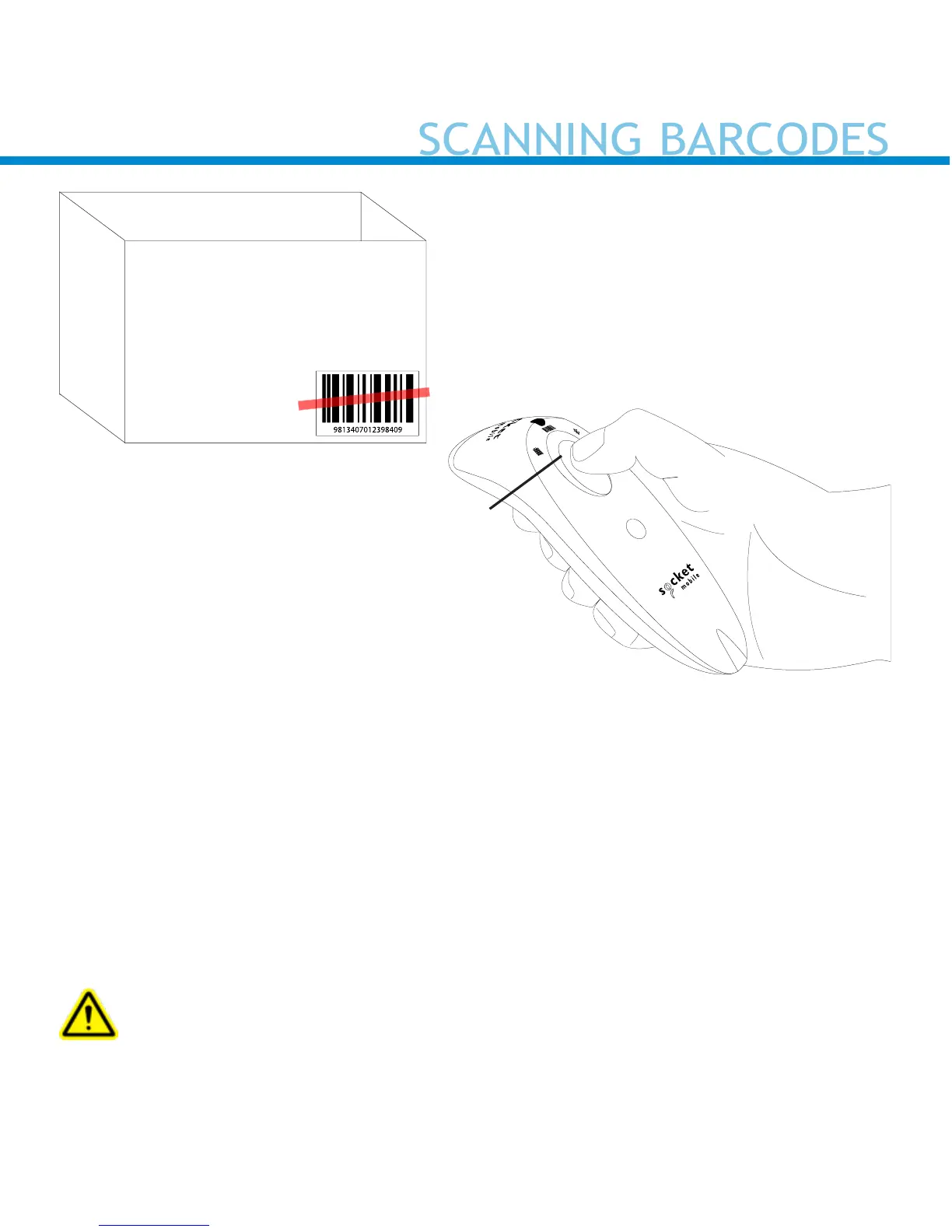
1. Hold the scanner a few inches from the barcode.
2. Aim, press and hold the scan button.
By default, the scanner will beep, vibrate, and the scan indicator will
ash green to conrm a successful scan.
Caution: Do not stare directly into the scanner’s light beam.
1D Barcode
Aim the scan beam straight
across the entire barcode.
Scan button
10















 To Next Page