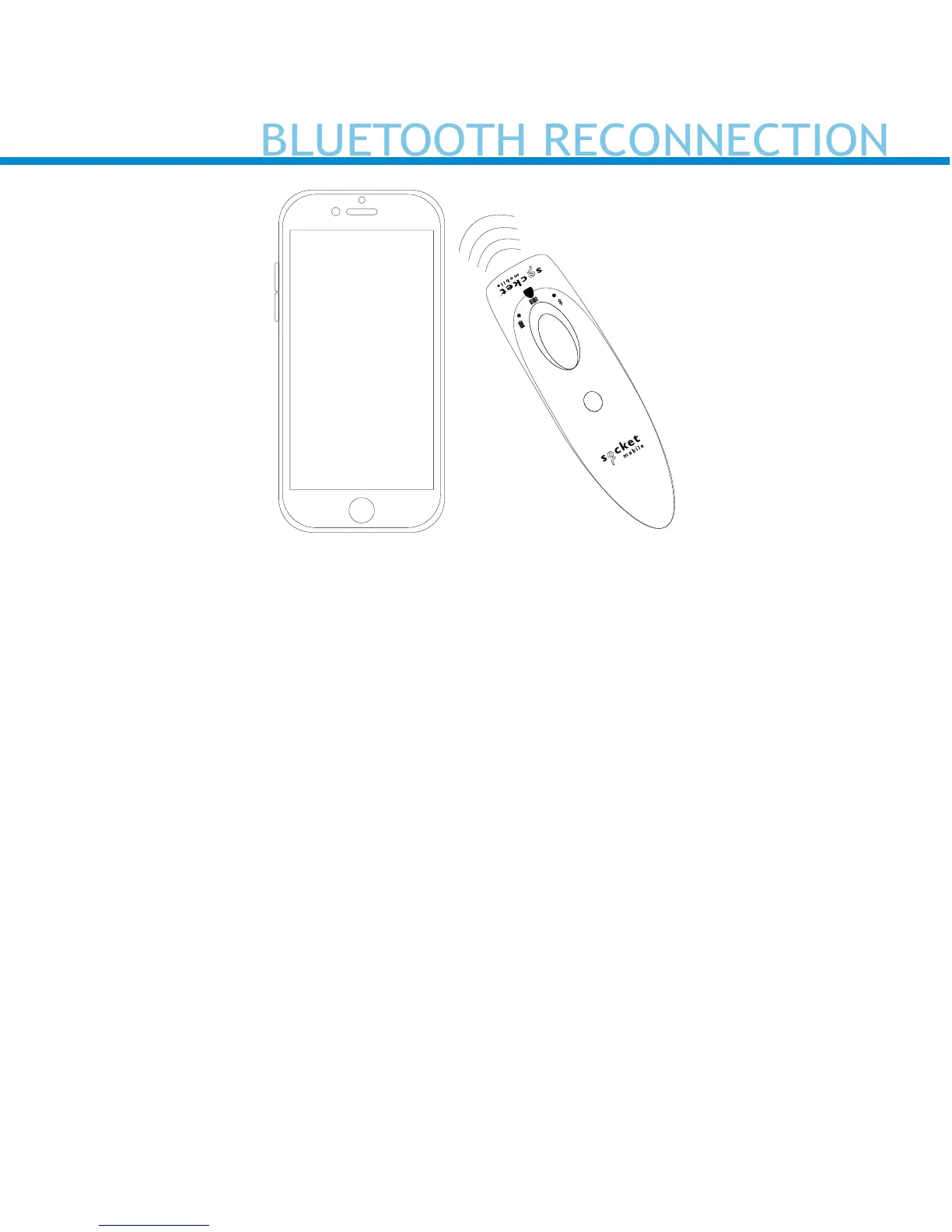
Automatic Reconnections
Each time you power on the scanner, it will automatically try to
connect to the last device it was connected to.
• Make sure the device is in range with Bluetooth turned on.
• Pressing the scan button will initiate the attempts to connect.
• If using Application Mode, make sure the Scanner-enabled
Application is launched or running.
• If a connection is made, the blue light will stop blinking and turn solid.
• If a connection is not made after several attempts, the scanner will
emit a long beep (and the blue light will turn off).
• Press the scan button to re-initiate the connection process.















 To Next Page