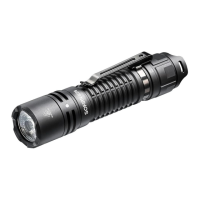
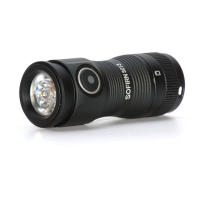
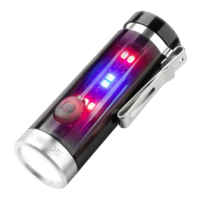
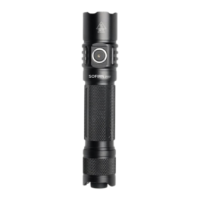
1. Tap the tail switch for momentary on, or fully press for constant on. Click to turn off.
That’s how you can use it as single mode flashlight.
2. While flashlight is on, hold side switch to change brightness or click side switch to
Standby (main led is off, but side switch indicator is on).
3. It always remember the previous status: Standby or Main Led ON.
- If you click tail switch to cut off from Standby, when you click tail switch again, it goes back
to Standby. You need to click side switch to turn main led on.
- If you click tail switch to cut off from Main Led ON, when you click tail switch again, it goes
back to ON.
Side Button Presses
Side Button presses are abbreviated using a simple notation:
- 1C: One click. Press and then quickly release the button.
- 1H: Hold. Press the button, but keep holding it.
- 2C: Two clicks. Press and release quickly, twice.
- 2H: Click, hold. Click two times, but hold the second press.
- 3C: Three clicks. Press and release quickly, three times.
- 3H: Click, click, hold. Click three times, but hold the final press.
The same pattern is used with higher numbers too. For example, 13C means 13 clicks, and
13H means 13 clicks but hold the 13th press.
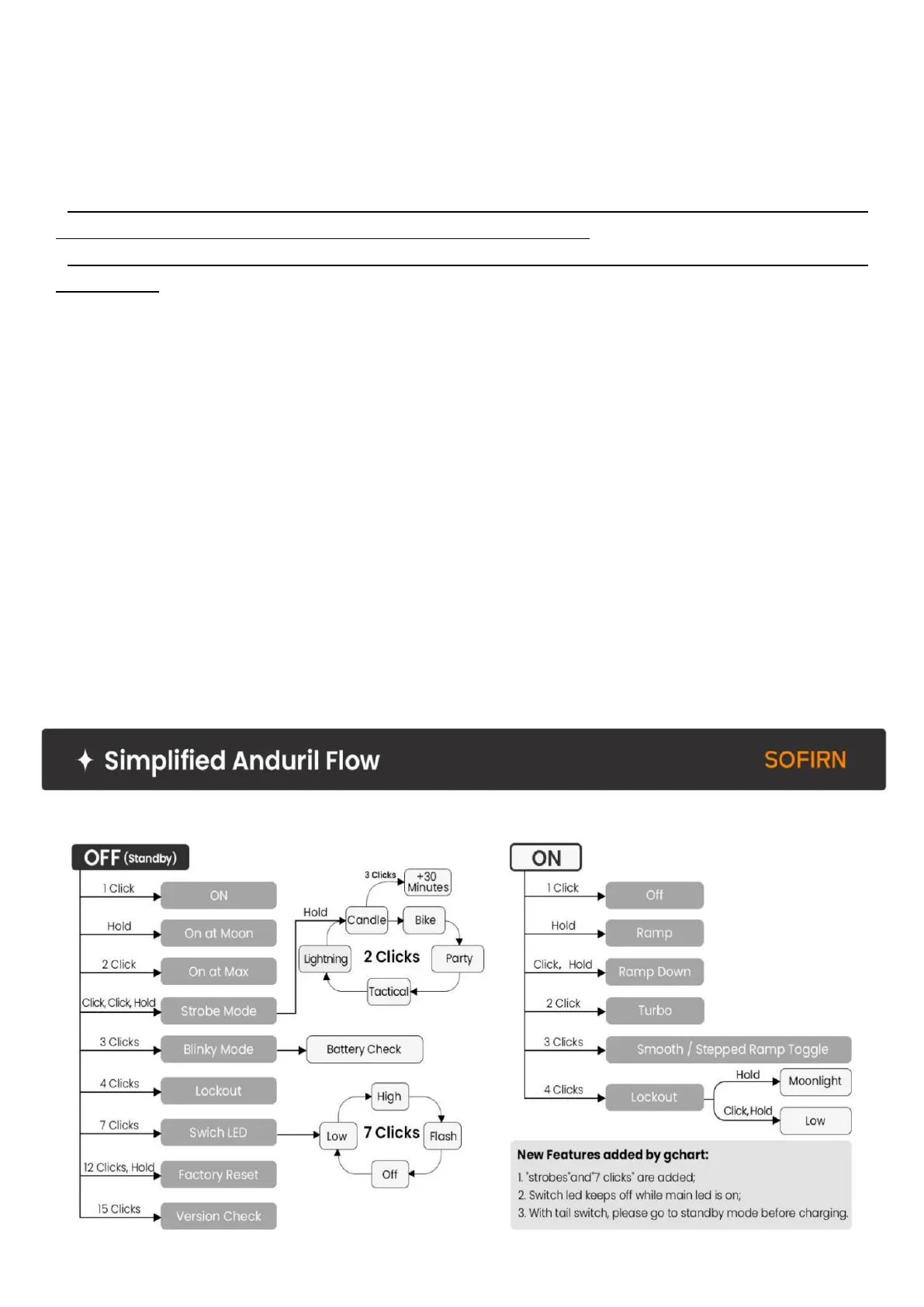
Simplified Anduril UI Diagram
the light uses a simplified Anduril UI. The simplified Anduril UI has all the Simple UI of
Anduril2.0, "Strobes" and 7 clicks are added too.



 To Next Page