13
CONFIGURATION NOTES
To change the default reader settings requires the use of special program
cards that are available from the Software House Applications Department.
Program cards are used to set a specific MIFARE read key and change
other settings including card technologies to be read.
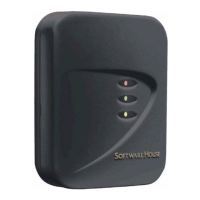
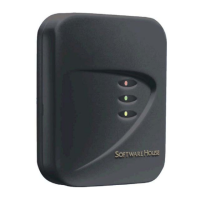
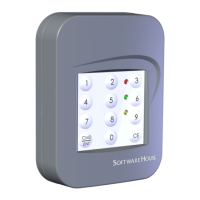
To program a card reader, follow these steps:
1. Power cycle the reader. You will hear a single short beep.
2. Present the .INI card. The reader’s amber LED turns off to indicate the
reader is ready for the first program card.
3. Present the first program card. The reader will respond with 5 beeps and
the red and green LEDs alternately flash, and then the amber LED turns
on solid.
4. If there are more program cards, repeat steps 2 and 3 until you have
presented the necessary number of program cards.
5. The reader is now configured for the specified option(s) and is ready for
use.
For more information about programming a card reader, refer to the PDF
document entitled SWH Readers Program Card Use posted on the
Software House Member Center.
* The Configuration Notes have not been evaluated by UL.


 To Next Page
 Loading...