14
DRAFT
Tyco CONFIDENTIAL
FLASH UPGRADE NOTES
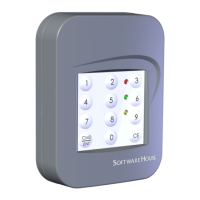
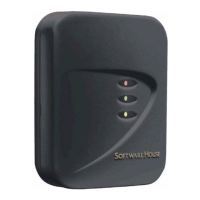
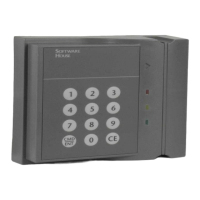
In some cases the reader may require a new firmware revision to enable
new features or card formats that are not included in a previous revision.
To upgrade the reader, you need to obtain the new firmware file from
Software House, and then connect to the reader through a local RS485
connection, using terminals 9 and 10.
In most cases you can use a RS485-to-USB device, or a RS232-to-RS485
converter to connect the PC to the reader. Once a physical connection is
established, double-click on the firmware update utility, which is a self-
running executable. A typical flash upgrade takes about 2 minutes per
reader.
For more information about upgrading the firmware revision, refer to the
PDF document entitled SWH Readers Download Firmware to Reader
posted on the Software House Member Center.


 To Next Page