20
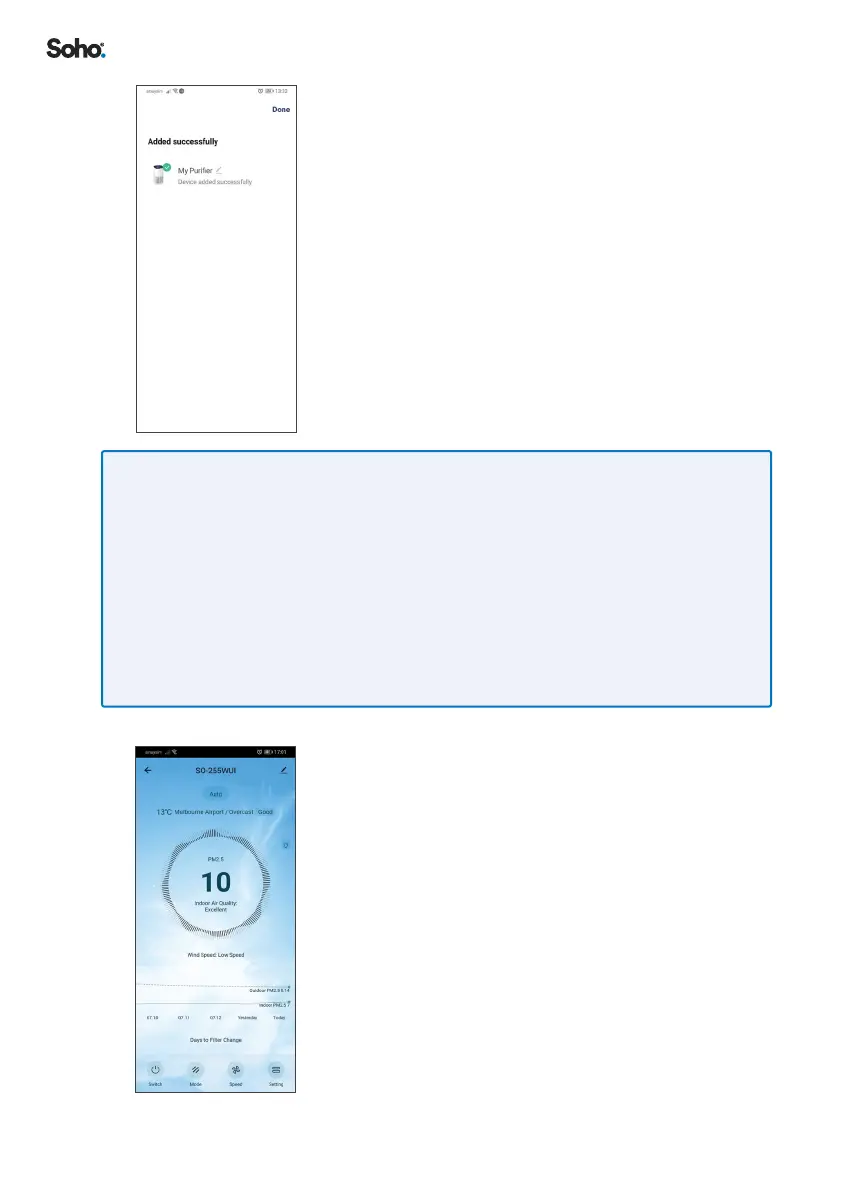
9. Once the device has been found, click ‘DONE’� You
may choose to edit your purier name before clicking
‘DONE’�
IF NO DEVICE IS FOUND AND PAIRING PROCESS FAILS, FOLLOW BELOW STEPS AND
REPEAT FROM STEP 1 OF SECTION 8.1.
1. Place the SO-255WUI Air Purier in close proximity to the WiFi router
2. Conrm Wi-Fi network is 2�4GHz� If unsure, clarify with your network provider�
3. Conrm Wi-Fi password is correct and the same Wi-Fi network is used on your smartphone
4. Conrm the SO-255WUI Air Purier is powered, with all functions turned o (in standby
mode) and WIFI indicator is rapidly blinking (in pairing mode)�
5. Check your Wi-Fi has working internet connection�
6. If the EZ Pairing mode does not work, try with AP Paring mode
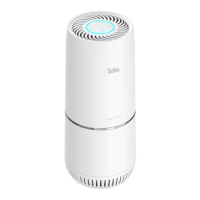
10. Click on your new device� Enter the device control
page, to operate the SO-255WUI Air Purier�


 To Next Page