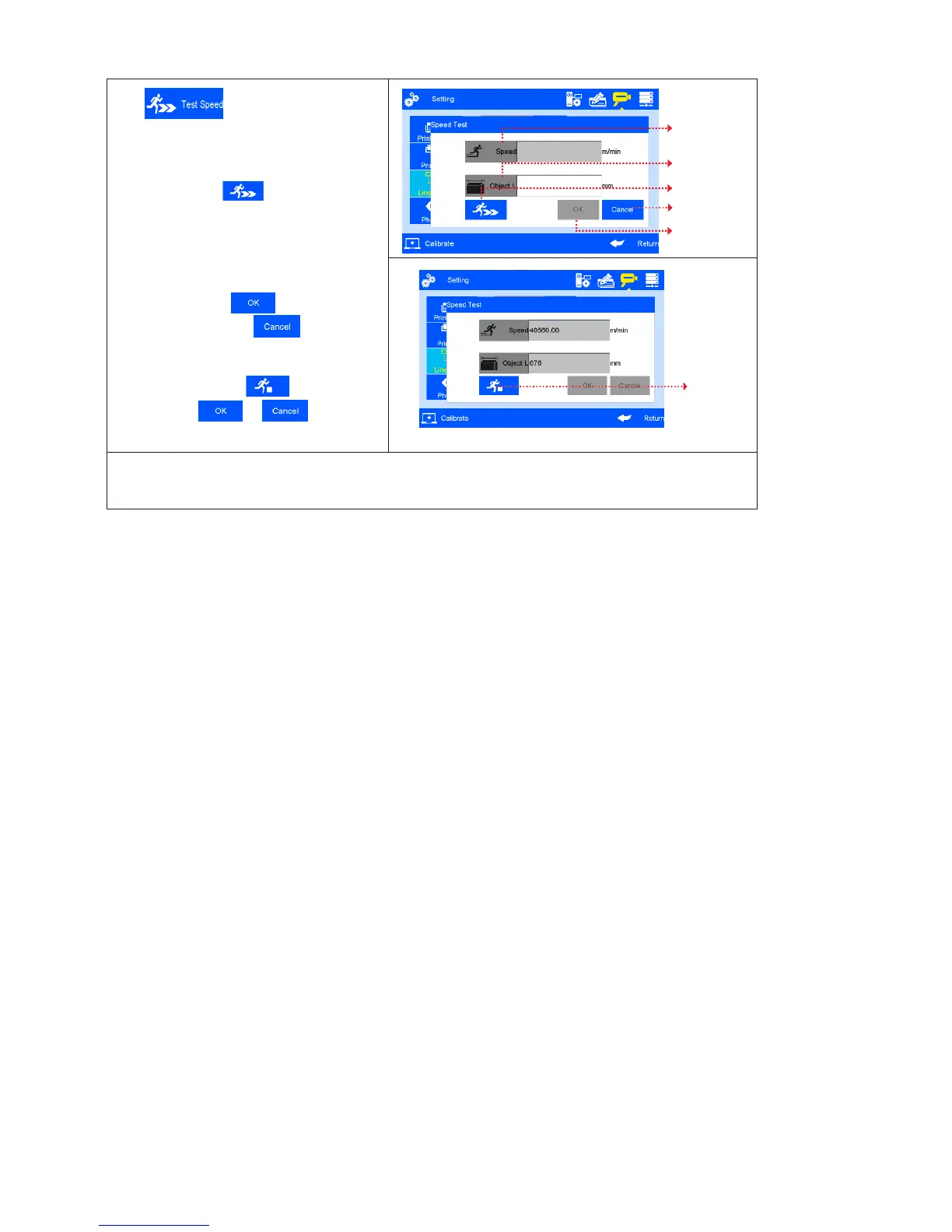
Click on line speed setting
interface to run speed test
(see Figure 35, 36).
Line speed test: input test object length
0~3000mm, click to enter speed test
startup interface, then start production line,
put test object onto production line, the
photocell will be sensing the object, and the
machine will calculate line speed
automatically. Click to save current
speed test result. Click , current
speed test value will not be saved. If test
repeated, system will take average value of
multiple results. Click to stop speed
test, and click or to save or
give up test result.
Note: if external encoder is connected, system can detect automatically, and switch line speed
interface to encoder DPI setting interface. User cannot programme line speed setting
when external encoder is connected.



 To Next Page