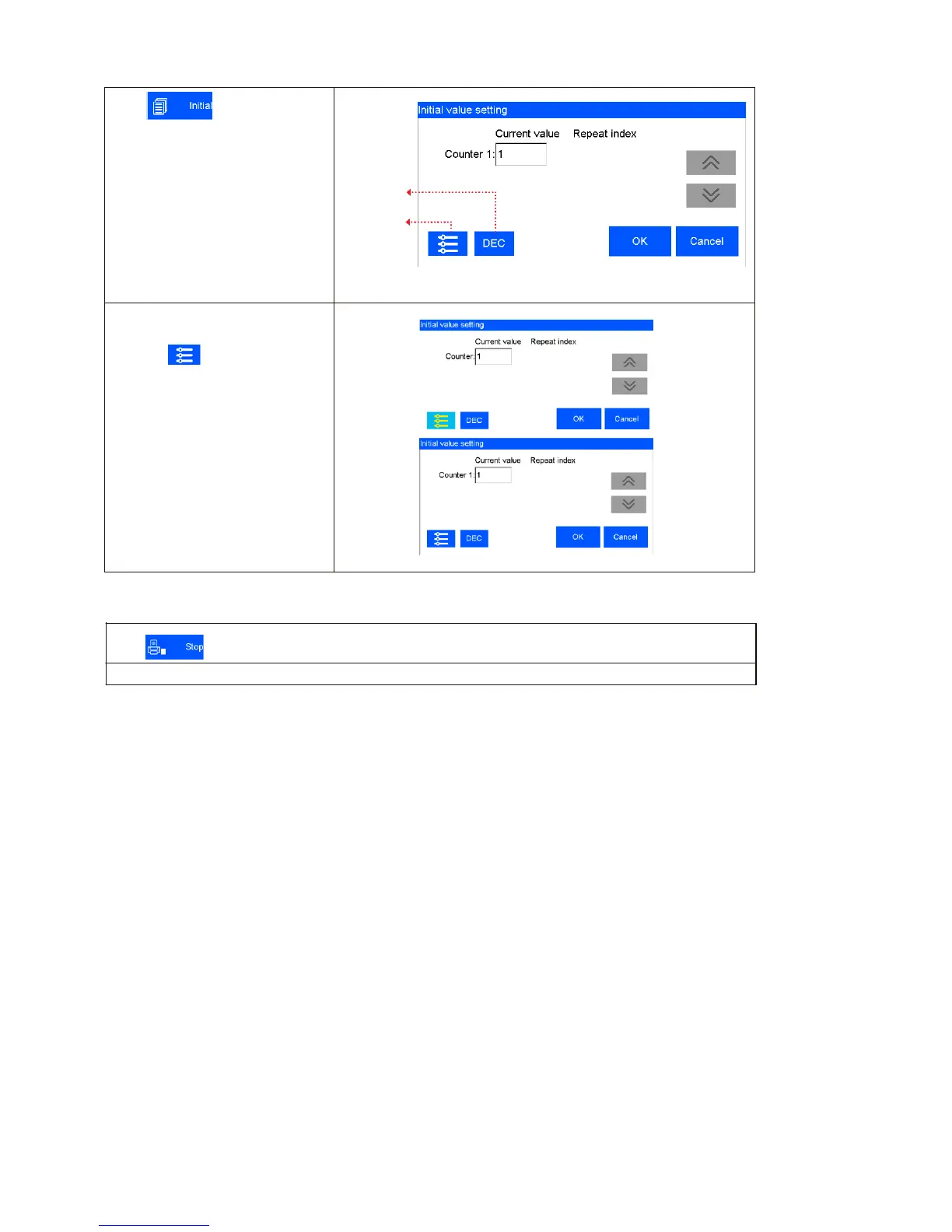
Click , the interface of
initial values setting and repeated
index value checking appears.
System switch
DEC-10 decimal (0-9)
H36-36 hexadecimal (0-Z)
The Generic Binary is editable;
See5.4.2
Counter Synchronizing: when
multi counter included in the same
file, click , then all counters’
current value will be synchronized
to counter 1’s current value.
After confirmed, a dialog box will
display the counters’ setting, user
can set the counter’s
begin/end/step/repeat number and
the binary regulation.
Note: Printer automatically stops printing when there is case as power-off, out of ink, alarming etc.



 To Next Page