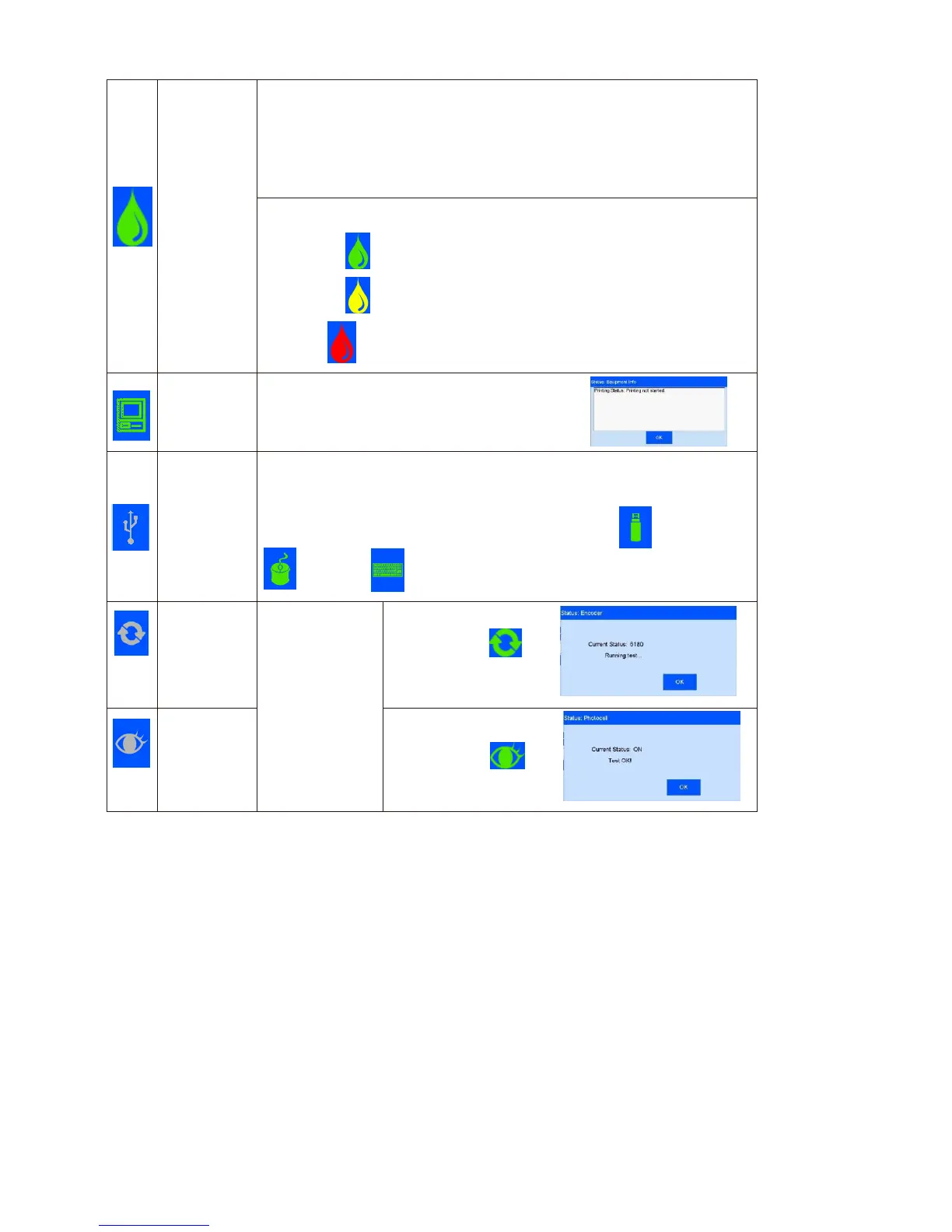
5.7 Status Bar (See Figure 1)
Ink information includes dynamic and static information.
Static information includes cartridge serial number, client code,
cartridge type.
Dynamic information:
1) ink original volume, and prospect print output for current data.
2) Ink remaining percentage, prospect print output for current data.
Ink status icons include:
1)
Normal (
): Normal ink status.
2)
warning ( ): ink amount lower than 10%;
3)
Error ( ): wrong cartridge, cartridge not installed, or ink used up.
Hardware and software status in printer.
(e.g. Printing not started )
Automatically displays by icon for equipment normally connected to USB port.
Support three devices: USB disk, mouse, and keyboard.
Status: not connected (gray), normal connection (green), warning (yellow).
Normally connected equipment will be displayed by icon USB disk,
mouse, or keyboard.
Displays encoder
or photocell
connection status
as unconnected
(gray) and
normally
connected
(green).
When encoder is
connected, click
encoder signal test
interface appears.
When photocell is
connected, click
photocell signal test
interface appears.



 To Next Page