LCB FITNESS BIKE
20
7. Now the first column will be blinking again and you are asked to adjust the level for the first
segment of the workout. Follow the same procedure for building the profile as you did for the
resistance profile.
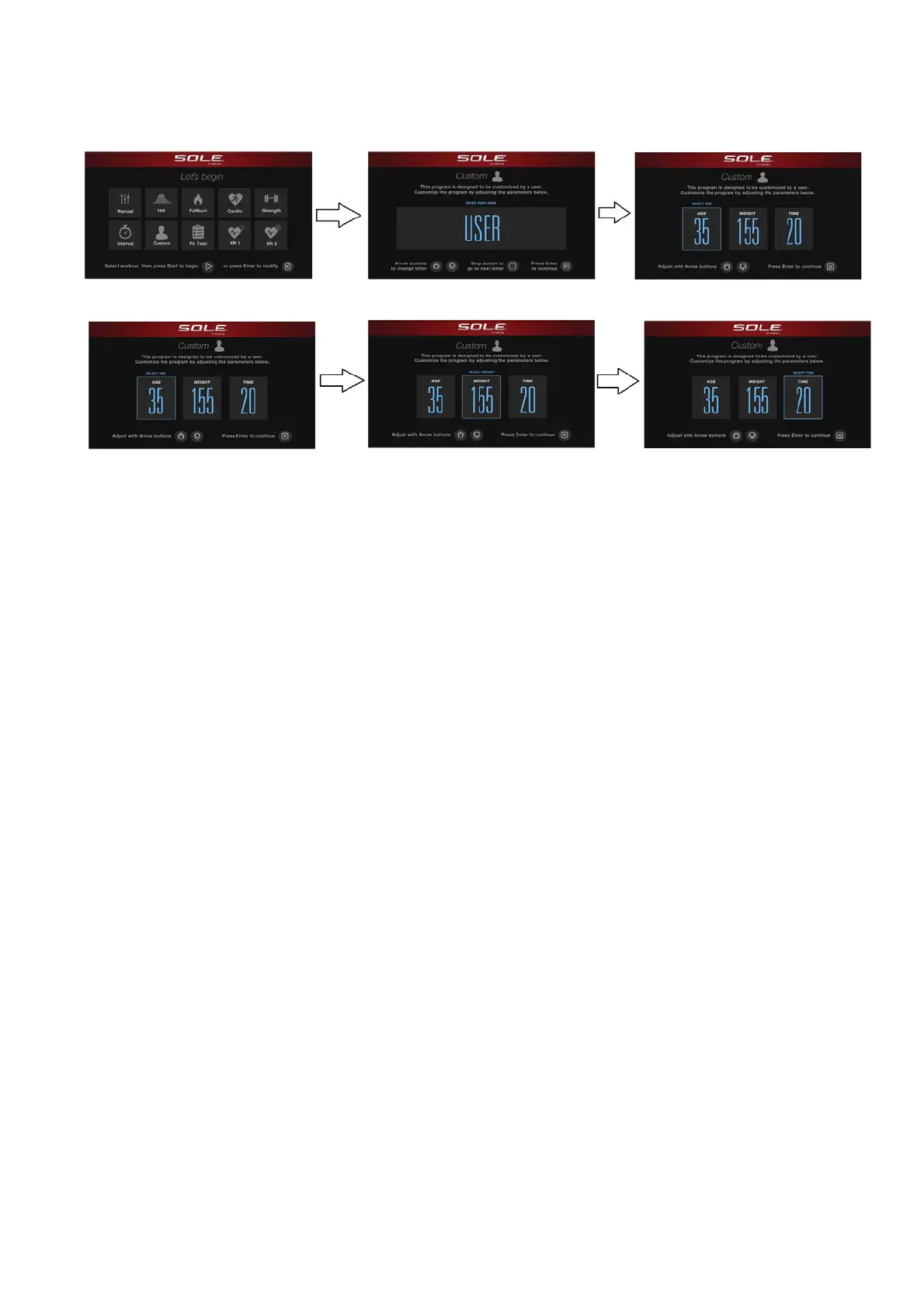
8. The Window will then tell you to start to begin (and save the program) or Enter to modify the
program. Pressing Stop will exit to the start up screen.
9. If you want to increase or decrease the workload at any time during the program press the Level
▲/▼ key. This will only affect the Level for the present column in the profile. When the profile
changes to the next column it will return to the preset work level.
10. During the CUSTOM program you will be able to scroll through the data in the Window by
pressing the Display key.
11. When the program ends the Window will show a summary of your workout. The summary will be
displayed for a short time then the console will return to the start-up display.



 To Next Page