1.15 Page Up/Page Down
In Channel list, press [Page +/-] key to move up the cursor to the next or previous page in the menu or
channel list.
1.16 Teletext
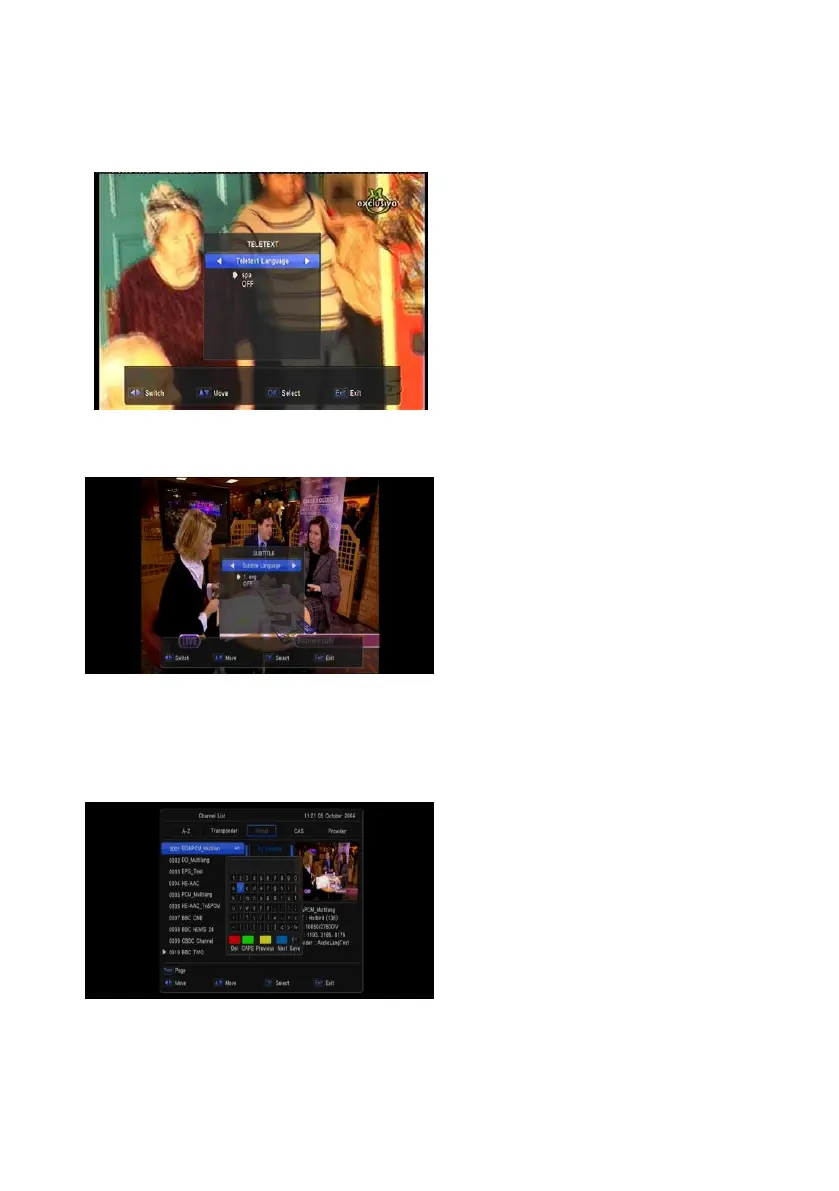
1 Press [TTX] key in full screen, you can
open teletext page on the channel which
has teletext information.
2 If the channel has no teletext information,
it will show “No Teletext Data” on the
screen.
1.17 Subtitle
Press [SUB] key in full screen, you can switch
subtitle on or off.
1.18 Find
1 Pressing [FIND] key in full screen can
open the “Find” window. Press [Vol +/-]
[Ch Up/Dn] keys to move highlight and
press [OK] key to input the selected
symbol or letter into the dialogue. The
search result display on the right screen.
2 You can press [Red] key to delete the
char, press [Blue] key to confirm, press
[Green] key to cancel.
3 Pressing [EXIT] key can close “Find”
window.


 To Next Page