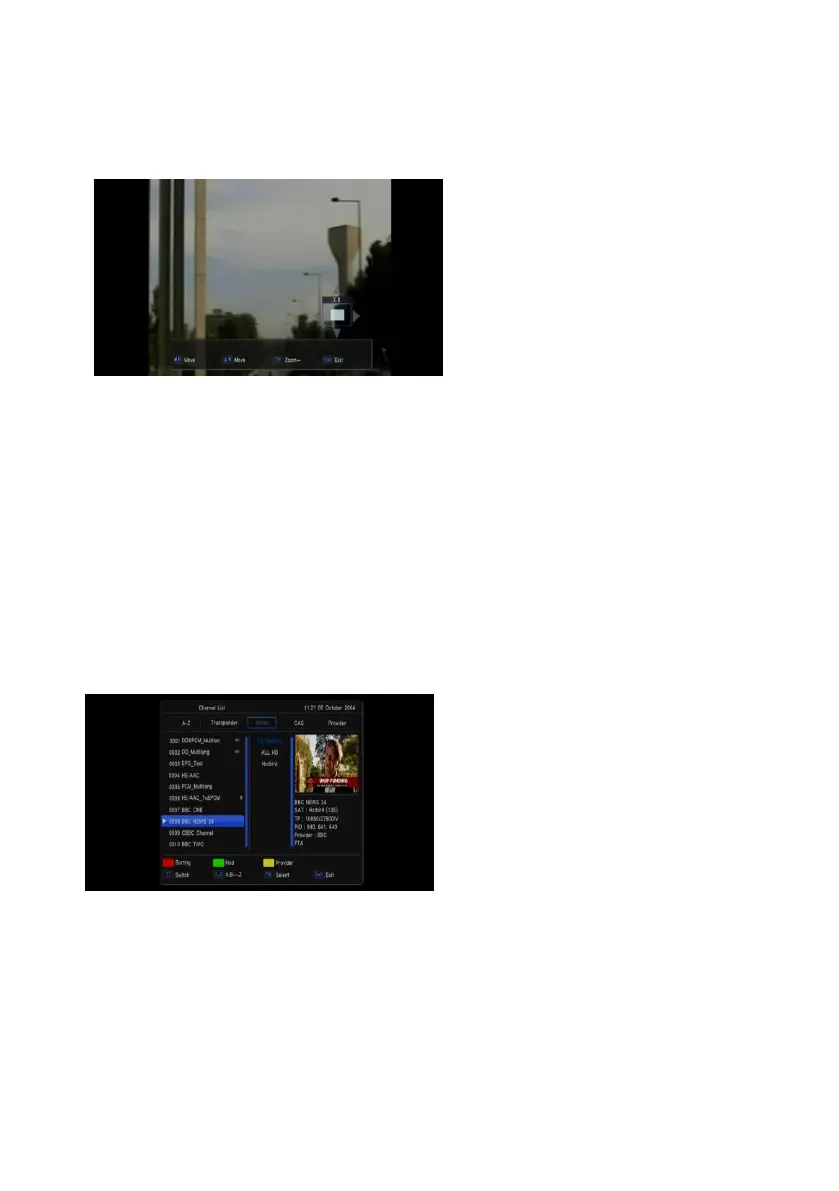
1.19 Zoom
1 The [ZOOM] key allows you to magnify a
certain area on the images
2 Press [ZOOM] key again, the image will
enlarge rotate as x2, x4, x6
3 In “x2 ~ x6” image, using [Up/ Down/ Up/
Down] keys to move the image center
area you want to see.
4 In zoom mode, press [Exit] to close
“Zoom” window.
1.20 Menu
Press [MENU] key can open the menu, exit the current menu to last menu or close the window.
1.21 Exit
Press [EXIT] key can exit the current menu to last menu or close the window.
1.22 OK
Pressing [OK] key in full screen can open the “OK LIST” window



 To Next Page