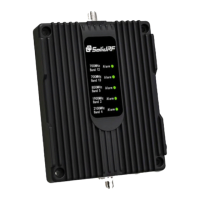
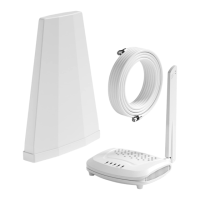
b. Connect the outside antenna’s connector to
the port labeled “OUTSIDE” on the booster
c. Connect the inside antenna’s connector to
the port labeled “INSIDE” on the booster
Step 4: Power on the booster
• Plug the power adapter into the power port
on the booster.
• Then plug into a surge protector power strip.
WARNING:
• Do NOT cover the booster body with
anything. This prevents if from cooling
down. If the product becomes overheated,
it will automatically shut off or cause
permanent damage.
• Use only the power supply provided by
SolidRF. Any other non-approved products
by SolidRF of self-made power cables may
damage the booster.
• Connecting the booster directly to the cell
phone with use of an adapter will damage
the cell phone.
• The booster is designed for use in indoor
O N LY.
• Ensure that neither you nor the pole comes
near any power lines during installation.
Installation - Step By Step
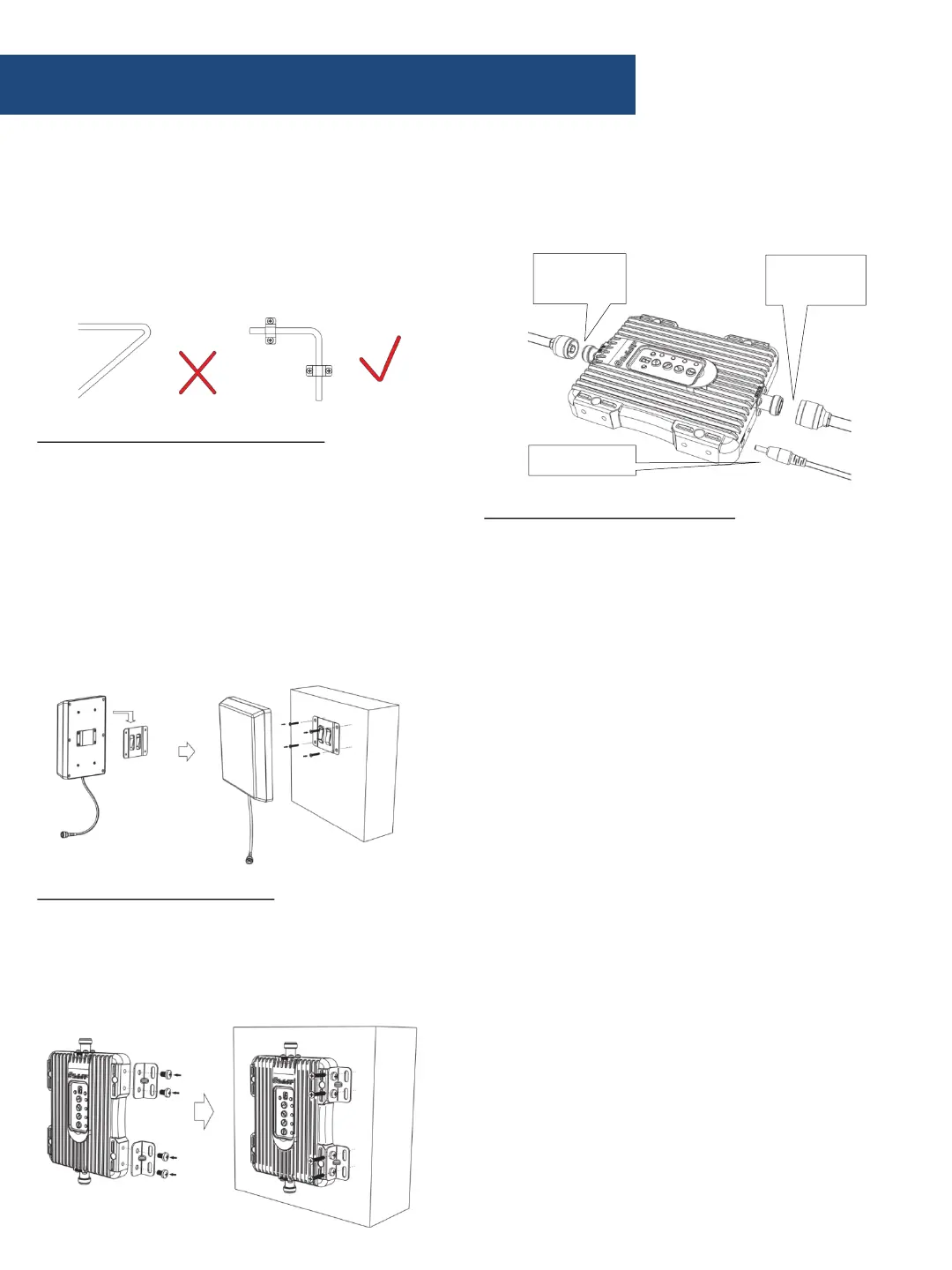
e. Set the outside antenna cable into the
building
• Carefully arrange the cable along the outside
of the building and ensure that there are no
folds or kinks
• Fix the cable at each corner
Step 2: Mount the inside antenna
a. Choose right position
• 20 cm away from any other metallic objects
• 50 cm away from any windows
• The inside antenna should be facing the
location of the signal dead zone/weak signal
area inside the building
b. Mount the inside antenna
c. Connect the inside cable to the inside
antenna
Step 3: Arrange the booster
a. Choose position
• Be sure to be far from any heat source
• In a ventilated dry place, temperature range
should be from -5 ℃ to +50 ℃
INSIDE
antenna
OUTSIDE
antenna
Adapter cord


 To Next Page