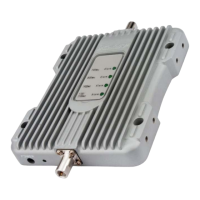
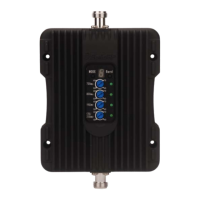
Step 3: Power on the booster
• Plug the power adapter into the power port
on the booster.
• Then plug into a surge protector power strip.
WARNING:
• Do NOT cover the booster body with
anything. This prevents if from cooling
down. If the product becomes overheated,
it will automatically shut off or cause
permanent damage.
• Use only the power supply provided by
SolidRF. Any other non-approved products
by SolidRF of self-made power cables may
damage the booster.
• Connecting the booster directly to the cell
phone with use of an adapter will damage
the cell phone.
• The booster is designed for use in indoor
O N LY.
• Ensure that neither you nor the pole comes
near any power lines during installation.
• The outside antenna must be installed no
higher than 10 meters (32’9”) above ground.
Installation - Step By Step
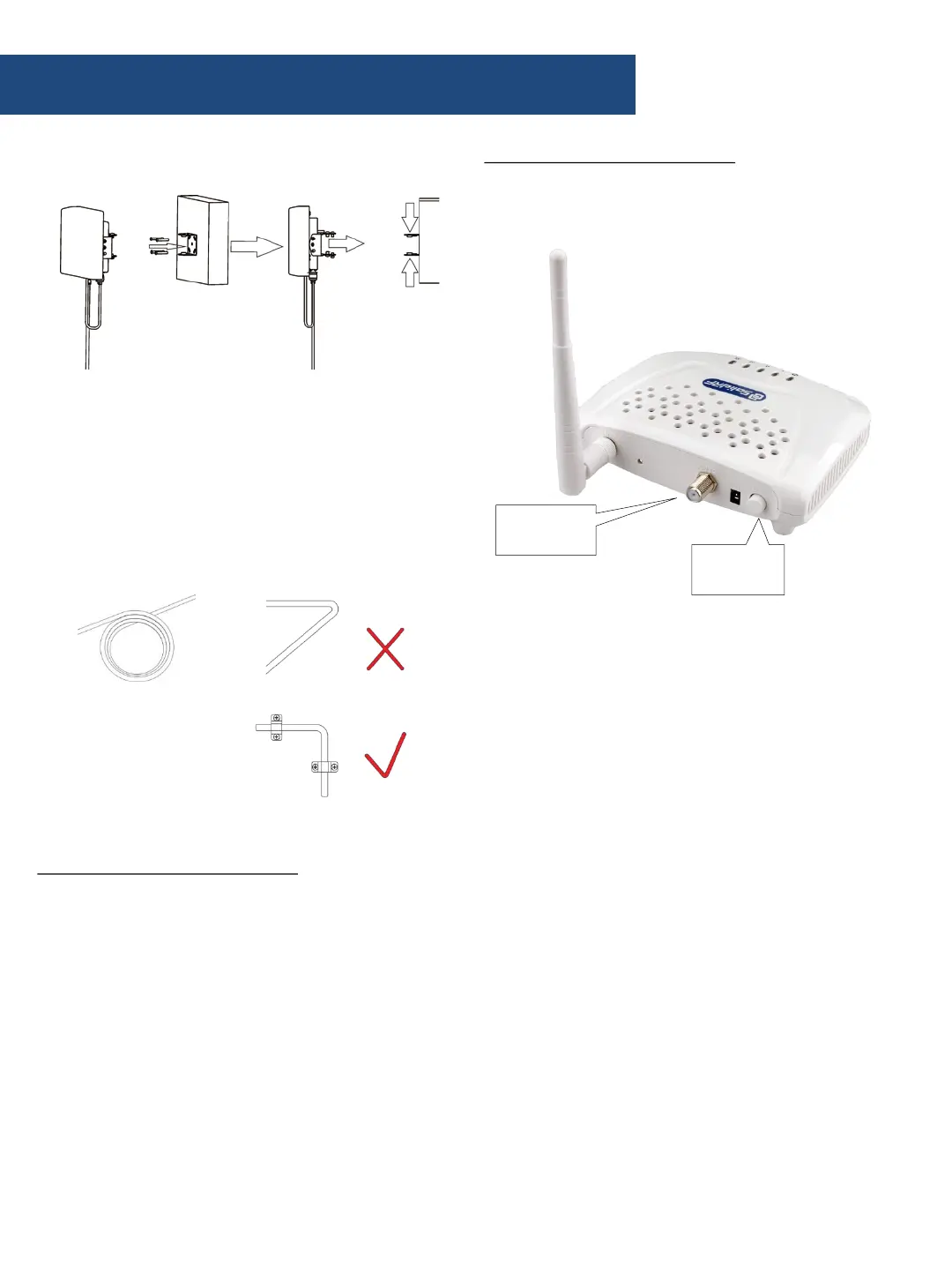
c. Mount the booster outside unit
c. Set the outside antenna cable into the
building
• Carefully arrange the cable along the outside
of the building and ensure that there are no
folds or kinks
• Fix the cable at each corner
Step 2: Arrange the inside unit
a. Choose right position
• 20 cm away from any other metallic objects
• 50 cm away from any windows
• Be sure to be far from any heat source
• In a ventilated dry place, temperature range
should be from -20 ℃ to +50 ℃
• The inside antenna should be facing the
location of the signal dead zone/weak signal
area inside the building
b. Screw the outside cable’s connector to the
“ANT2” port of the booster
c. Screw the inside antenna to the “ANT1” port
Power
Switch
OUTSIDE
antenna


 To Next Page