Step8:FinalizingandSecuringCableRoute
• Findthebestrouteforthecable.
Followthelinesofyourhometo
hidethecableineavesor
betweenthesoffitandthe
exteriorwall.
• Ifneeded,cableclipscanbe
purchasedatmosthardware
stores.
15
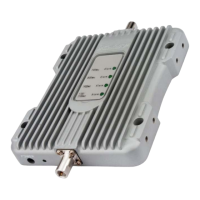
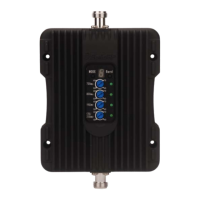
Boosterwillabout30degreesFahrenheithigherthantheambient
temperature,whichisanormalphenomenon.
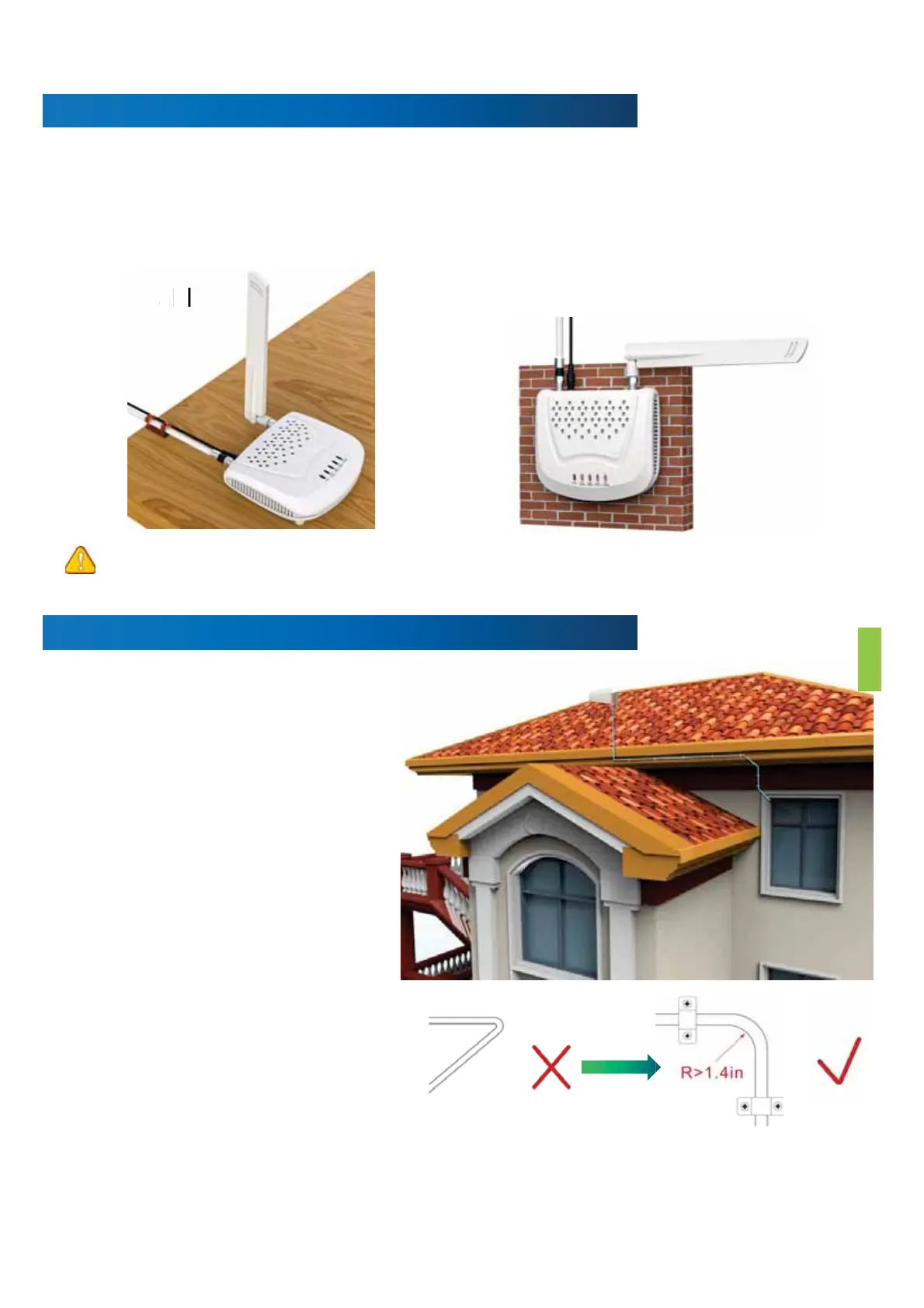
Step7:FinalizingIndoorInstallation
• Whetherthecableisproperly
securedisveryimportantforthe
entiresystem.Inmostcases,the
customerfoundthatthebooster
didnotworkafterworkingfora
periodoftimebecausethecable
wasnotinstalledsecurely.
• Carefullyarrangethecablealong
theoutsideofthebuildingand
ensurethattherearenofoldsor
kinks.Fixthecableateachcorner.
2.Mountthebooster
• Chooseaventilatedanddryplace
• Keepawayfromheat
• Don'tcoverbooster
1.Chooserightpositionfortheindoor
antenna
• 1feetawayfromanyothermetallicobjects
• 3feetawayfromanywindows
Onthetable Onthewall


 To Next Page