73
FLUSHING THE APPLIANCE
We recommend that you allow a water tank full of water to pass through the ap-
pliance, so that the appliance is fully rinsed internally. This should be done without
any coffee grounds.
– When the machine has reached Standby-mode, press the “2 Cup”-button
(K) to run hot water through the group head for 30 seconds.
– Turn the Steam/Hot Water selector dial (J) for 10 seconds to position “Hot Water”
and let the hot water run through.
– Repeat this cycle until the water tank is empty.
s
OPERATING YOUR
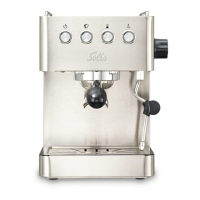
SOLIS CAFFESPRESSO PRO
FILLING THE WATER TANK
– Fill the water tank with cold tap water to the maximum mark MAX. Slide the
water tank back into position at the back of the machine.
– Insert plug into power outlet.
– Press the POWER-button (A), the appliance is on. The POWER-button surround
will flash while the espresso machine is heating. When the correct temperature
has been reached, all the button surrounds on the control panel will illuminate
continuously.
NOTE:
Check the water level before use. Replace the water daily. The water tank
should be filled with fresh, cold tap water before each use. Do not use min-
eral or distilled water or any other liquid.
Downloaded from www.vandenborre.be




 To Next Page