15 RIDE & RUN
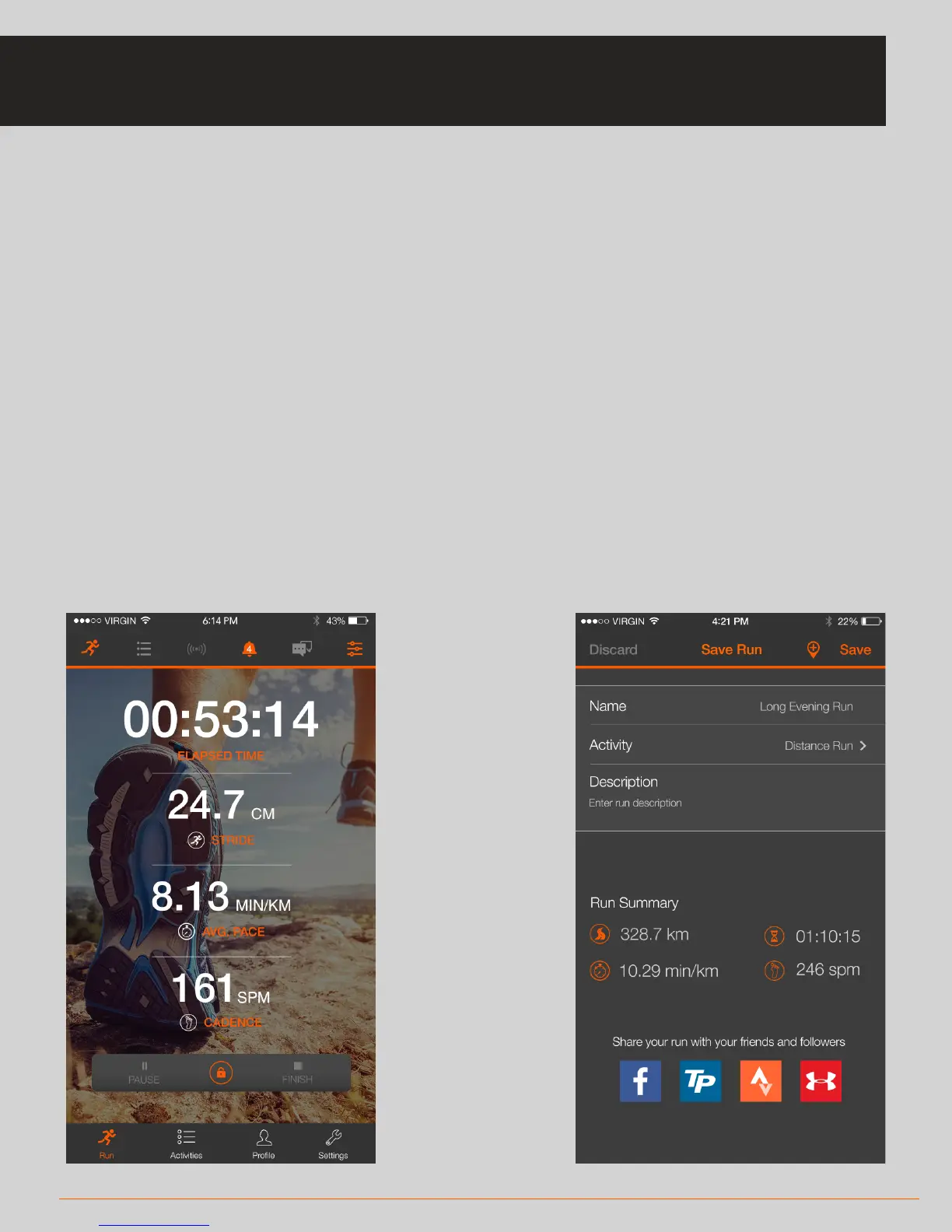
• When you start an activity, you will see live metric updates on the Ride/Run
screen
• The activity will automatically be locked to prevent accidental ending of
the activity. Long press the lock icon to unlock the pause and finish options
• When you press finish, you will see the End of Ride/Run screen:
* You can rename the activity, categorise the activity and enter a description
* You will see a summary of your key metrics
* You can share your activity
* Press ‘Save Ride/Run’ to progress to the Activities screen (see page 16)
RIDE & RUN SCREEN: DURING & AFTER ACTIVITY



 To Next Page