16 ACTIVITIES
ACTIVITIES SCREEN
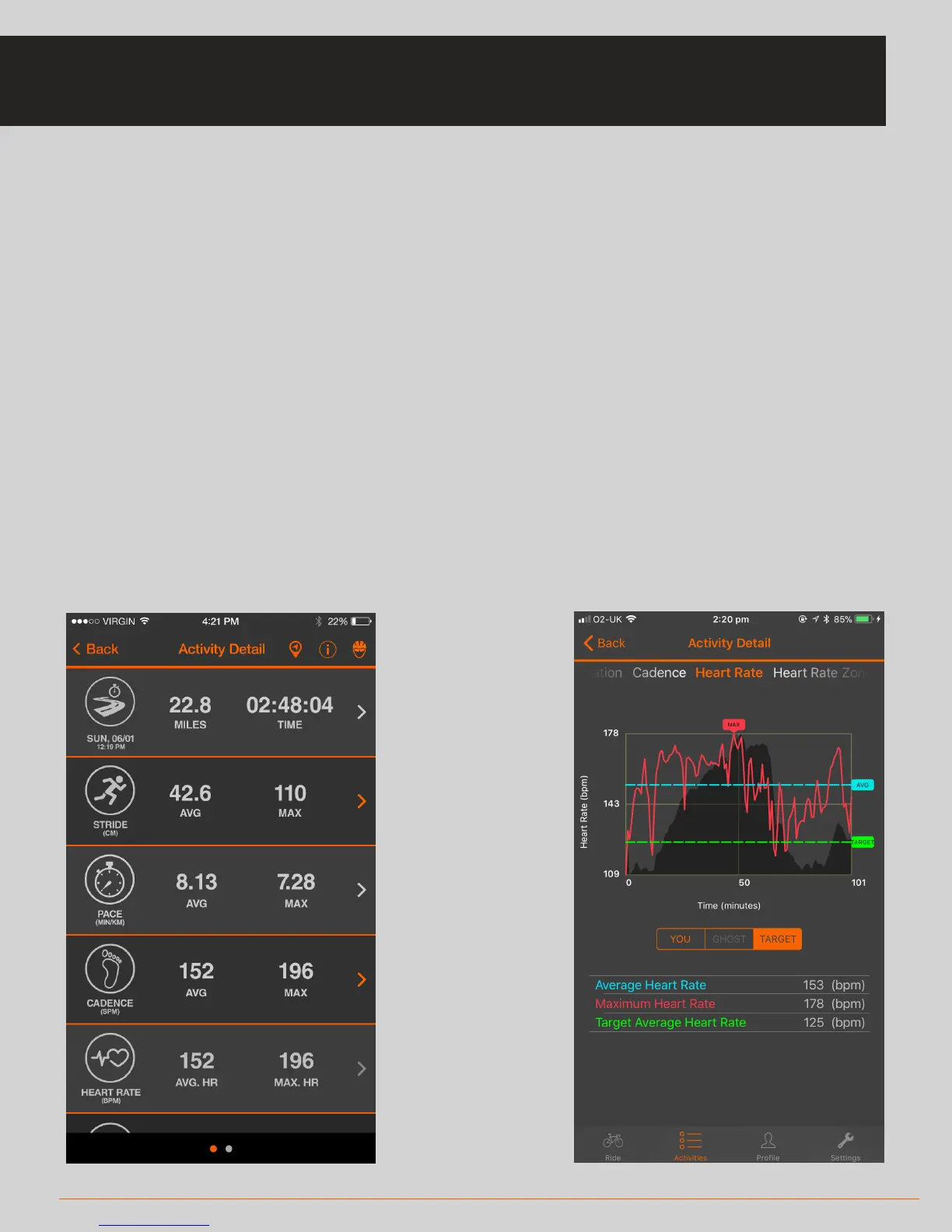
• When you have completed your activity, you will be taken to the Activities screen
and will be presented with your activity details
• You can also access the Activities section of the app by tapping the tab bar
'Activities' icon at any time to see your activity data
• You can click on any row item to expand it and see a graphical view
• Under the graph you can select the 'Target' tab to view your performance against
your preset targets
• The Activities data will be represented in either metric or imperial format
depending on your setting (see page 18 for Settings)



 To Next Page