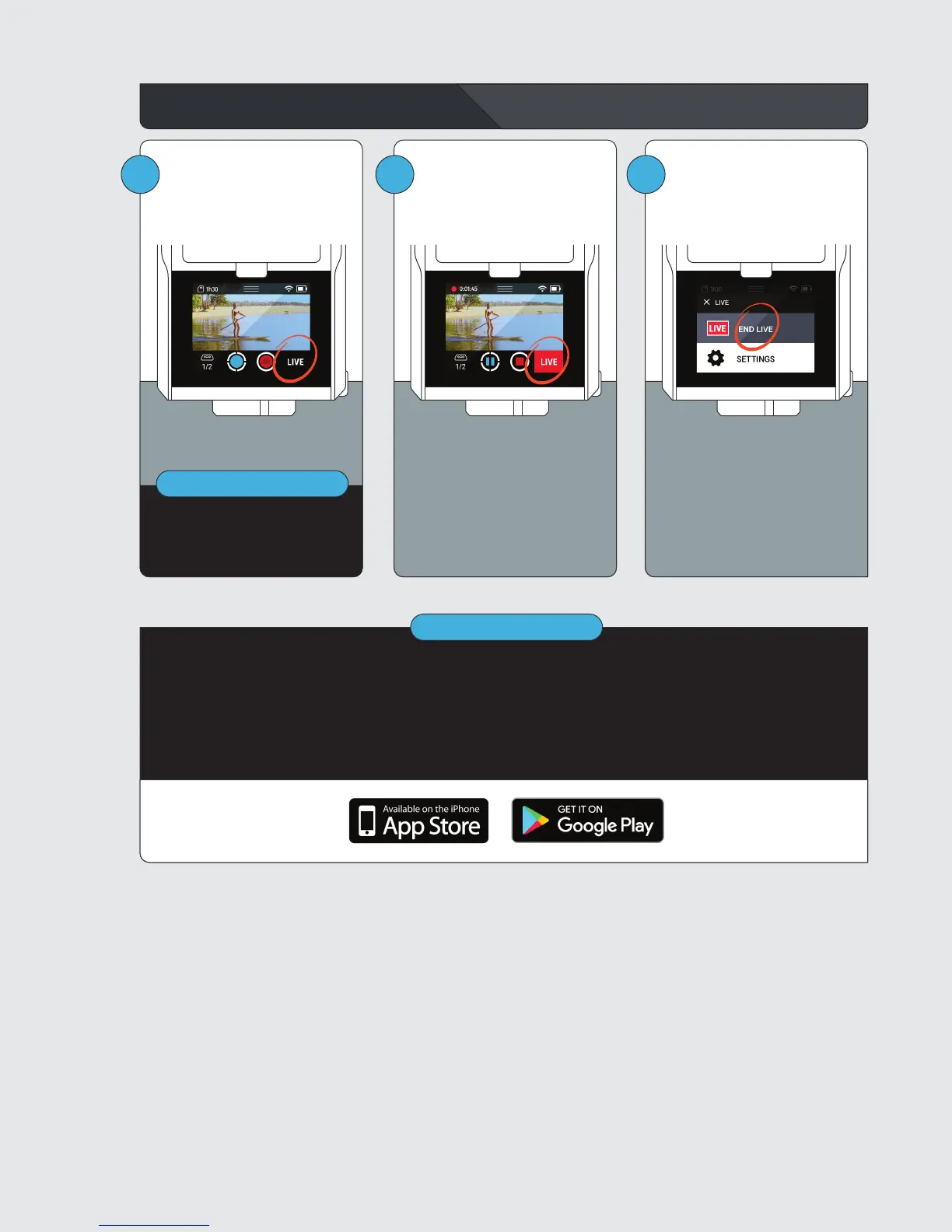
Start and Stop Live Streaming
IMPORTANT
1 2 3
To stop live streaming, tap the
LIVE button, then END LIVE.
To start live streaming, tap the
LIVE button, then GO LIVE.
The LIVE button turns red while
live streaming.
Your live streams appear on the SOLOSHOTapp and app.soloshot.com. Be sure to
download the SOLOSHOTapp on the App Store or Google Play!
By streaming, you agree to all terms and conditions including privacy as described at
soloshot.com/terms
IMPORTANT
You must be connected to Wi-Fi
to live stream.



 To Previous Page