21
Start and Stop Recording
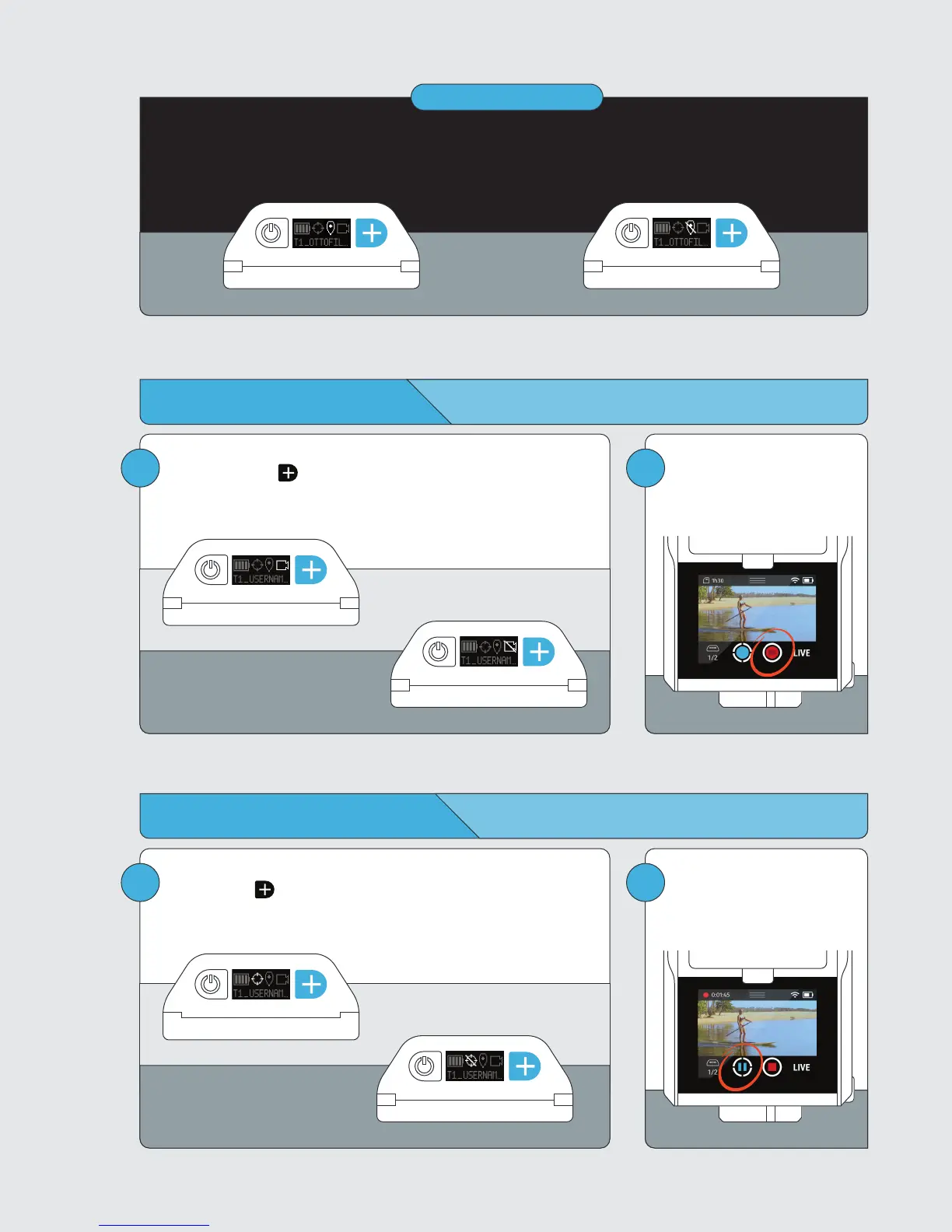
Record ON
From Tag
Press and hold the button to toggle record on or off.
From Base
Tap the RECORD button to start
or stop recording.
Record OFF
21
Pause and Resume Tracking
Tracking Active
From Tag
Double tap the button to pause or resume tracking.
From Base
Tap the TRACK button to pause
or resume tracking.
Tracking Paused
Good GPS Signal
Good GPS signal is required for tracking.
Poor GPS Signal
IMPORTANT



 To Next Page