EasyManua.ls Logo

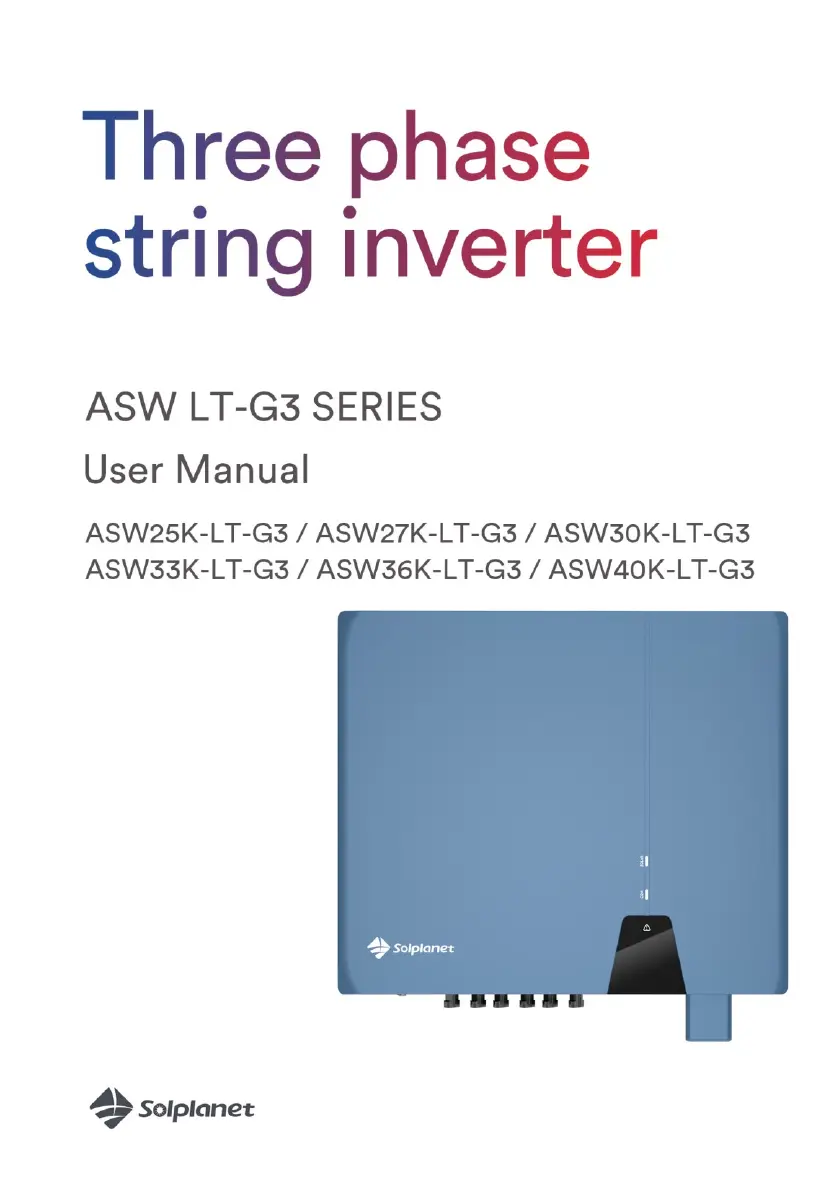
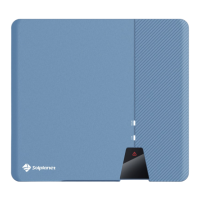
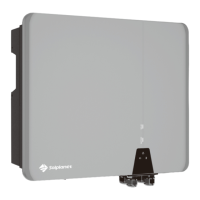
Solplanet ASW LT-G3 Series - User Manual

Solplanet ASW LT-G3 Series
87 pages
Print Icon
To Next Page IconTo Next Page
Loading...

Table of Contents

Questions and Answers

  • K
    Kiara WarrenSep 9, 2025
    What to do if Solplanet ASW LT-G3 displays E56 E57 E58 errors?
    • C
      Christopher RussellSep 9, 2025
      If your Solplanet Inverter displays error codes E56, E57, or E58, disconnect it from both the grid and the PV array. Wait for 3 minutes, then reconnect. If the error continues, contact service.
  • S
    sheltonedwardAug 23, 2025
    What to do if my Solplanet ASW LT-G3 Inverter displays E01 E03 E05 E07 E08 E09 E10 error?
    • T
      Tyler TaylorAug 23, 2025
      If your Solplanet Inverter shows error codes E01, E03, E05, E07, E08, E09, or E10, disconnect the inverter from the utility grid and the PV array. Reconnect it after the LED turns off. If the fault is still displayed, contact the service.
  • S
    sarahbrownAug 25, 2025
    What to do if Solplanet ASW LT-G3 Inverter shows E34 error?
    • D
      Danielle JonesAug 25, 2025
      To address the E34 error on your Solplanet Inverter, start by checking the grid voltage and the grid connection on the inverter itself. Also, check the grid voltage at the point where the inverter connects. If the grid voltage is outside the permissible range due to local grid conditions, consider adjusting the monitored operational limits after consulting with the electric utility company. However, if the grid voltage is within the permitted range and the error continues, it's recommended to contact service for assistance.
  • M
    matthew64Aug 26, 2025
    What to do if my Solplanet ASW LT-G3 displays E35 error?
    • K
      Kimberly KhanAug 27, 2025
      To resolve the E35 error on your Solplanet Inverter, check the following: 1. The fuse. 2. The triggering of the circuit breaker in the distribution box. 3. The grid voltage and grid usability. 4. The AC cable and grid connection on the inverter. If the error persists after checking these items, contact the service for further assistance.
  • T
    Tammy DudleyAug 28, 2025
    How to fix E38 error on Solplanet Inverter?
    • J
      Jerry AndrewsAug 28, 2025
      To address the E38 error on your Solplanet Inverter, check the following: 1. Inspect the PV array’s insulation to ground, ensuring the insulation resistance to ground exceeds 1 MOhm. 2. Visually inspect all PV cables and modules. 3. Ensure the grounding connection of the inverter is reliable. If the fault occurs often, contact the service.
  • B
    Brenda JonesAug 29, 2025
    How to troubleshoot E36 error on Solplanet ASW LT-G3 Inverter?
    • M
      matthew64Aug 29, 2025
      To troubleshoot the E36 error on your Solplanet Inverter, take these steps: 1. Ensure the grounding connection of the inverter is reliable. 2. Perform a visual inspection of all PV cables and modules. If the error persists, contact the service.
  • J
    Jeff NguyenSep 18, 2025
    What to do if Solplanet ASW LT-G3 Inverter displays E48 error?
    • J
      Jamie HuntSep 18, 2025
      If your Solplanet Inverter is showing error E48, check whether the electric supply is abnormal. If the electric supply is normal and the fault persists, contact service personnel.
  • J
    Jennifer SotoSep 22, 2025
    How to fix E61,62 error on Solplanet Inverter?
    • Q
      qfieldsSep 22, 2025
      To troubleshoot error E61 or E62 on your Solplanet Inverter, check the DRED device communication or operation.
  • S
    Sarah KingSep 8, 2025
    What to do if Solplanet ASW LT-G3 displays E36 error?
    • A
      Angela SkinnerSep 8, 2025
      If your Solplanet Inverter is showing error E36, ensure the grounding connection of the inverter is reliable. Perform a visual inspection of all PV cables and modules. If the error persists, contact service.
  • D
    Donald WestSep 4, 2025
    What to do if Solplanet ASW LT-G3 Inverter displays E35 error?
    • Y
      ykiddSep 4, 2025
      If your Solplanet Inverter is showing error E35, check the fuse and circuit breaker in the distribution box. Also, check the grid voltage and usability, as well as the AC cable and grid connection on the inverter. If the fault persists, contact service.

Summary

Introduction and Safety

General Notes and Validity Area

Provides general information and defines the validity area for the inverter manual.

Target Group and Safety Symbols

Identifies the target audience and explains the safety symbols used in the manual.

Intended Use and Safety Guidelines

Details the intended use of the inverter and crucial safety guidelines.

Important Safety Warnings

Highlights critical safety warnings regarding electric shock and high voltages.

Label Symbols Explained

Explanation of various safety and compliance symbols found on the inverter label.

Installation Procedures

Unpacking and Transport Damage Check

Lists package contents and instructions for checking transport damage.

Mounting Requirements and Procedures

Specifies conditions and steps for safe and correct inverter installation.

Handling the Product Safely

Guidance on safely lifting and moving the inverter due to its weight.

Electrical Connection Safety and Procedures

Safety precautions for electrical connections, AC/DC connection details.

Communication Equipment Connection

Steps for connecting communication lines and mounting WiFi/4G modules.

System Operation and Configuration

System Monitoring and Control Functions

Monitoring via WLAN/4G, smart meter control, DRED, and earth fault alarm.

Commissioning and Start-up Procedures

Procedures for electrical/mechanical checks and inverter start-up.

Solplanet App Usage and Plant Setup

Using the app, account creation, plant setup, and inverter parameter configuration.

Parameter Settings: Grid Codes and Power Curves

Setting grid codes, active power reduction, and reactive power curves.

Technical Data, Troubleshooting, and Lifecycle

DC;AC Specifications and General Data

Technical specifications for DC input, AC output, general data, and safety regulations.

Troubleshooting Common Issues

Guidance for diagnosing and resolving common inverter issues and error codes.

Maintenance, Disposal, and Warranty

Procedures for maintenance, cleaning, recycling, disposal, and warranty information.

Contact and Technical Support

Contact details for technical support and service inquiries.

Solplanet ASW LT-G3 Series Specifications

General IconGeneral
Max DC Input Power4.5 / 5.5 / 6 / 7.5 kW
Rated AC Power3 / 3.68 / 4 / 5 kW
AC Output Power3 / 3.68 / 4 / 5 kW
Max. AC Power3.3 / 4.05 / 4.4 / 5.5 kVA
Max. AC Output Power3.3 / 4.05 / 4.4 / 5.5 kVA
Grid Frequency50 Hz / 60 Hz
CommunicationRS485, Optional: WiFi / GPRS

Related product manuals