Stereo amplifier 311
User manual
Page 9
7 Program-Mode
7.1 Overview
The 311 stereo amplifier as well as the IR remote control are set to the remote-ID
„Pre 2“. If you deactivate the reception of IR signals for the 311 with the function
REMOTE, the program function remain accessible through the IR remote control
(Remote ID: „Pre 2“).
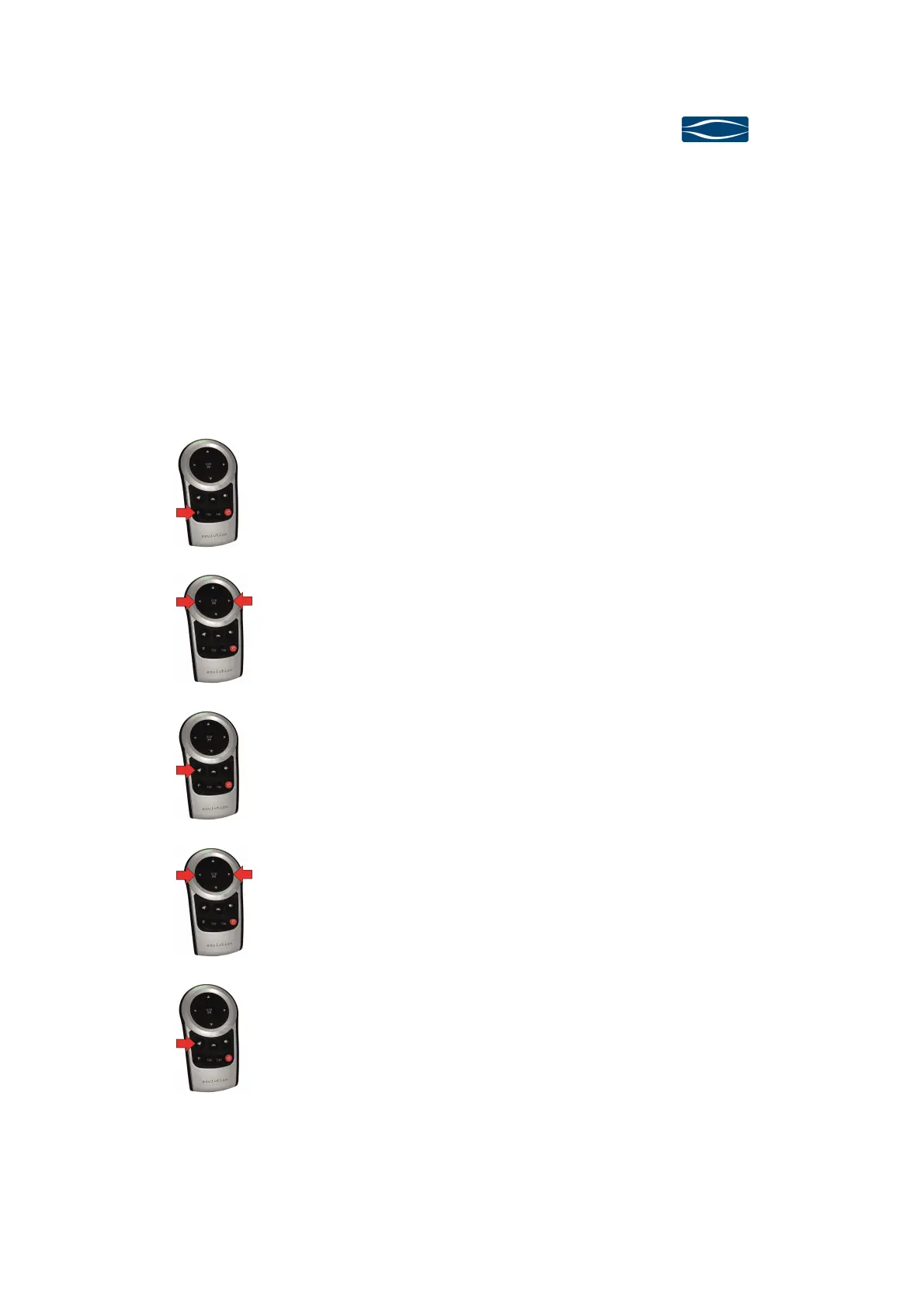
Press the P button (Prog) for switching 311 stereo am-
plifier to program-mode.
The t u buttons allow selecting the desired program-
function
Press the 8 button (Enter) to activate the value domain
of the selected program-function (red LEDs in display).
The t u buttons allow for adjusting the value of the
selected program-function.
Press the 8 button to approve the selected value.



 To Next Page