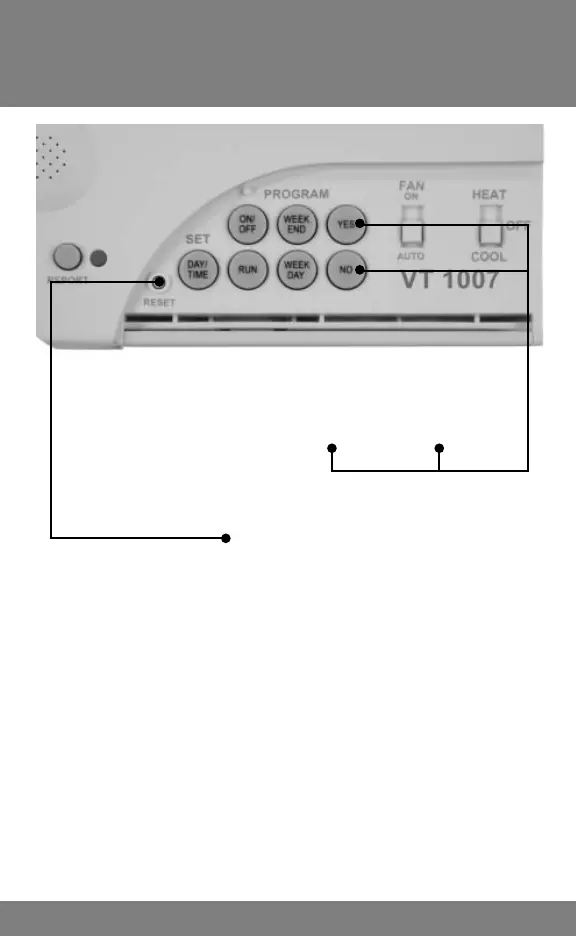
Fahrenheit to Celsius
& Reset Key
4
To Change From Celsius to Fahrenheit,
Press and HOLD the YES and NO keys
together for 6 seconds.
Reset Key
The RESET key has two primary functions.
1. Escape Program Mode: If, during programming, you
get lost or wish to quit, press RESET. You will exit the
programming mode without making changes.
2. FFr (Escapes Faulty Operation): Static discharge
can cause faulty operation. To correct, press both
the NO and RESET buttons together until the display
disappears. When it reappears, press the RUN button
to accept the FLASHING INDOOR TEMPERATURE.



 To Next Page