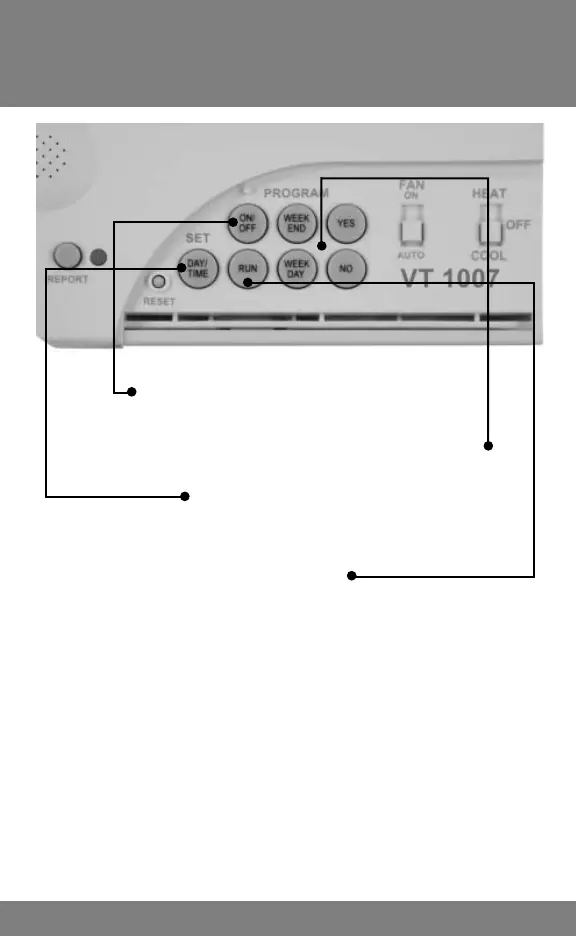
Program Keys
6
PROGRAM ON / OFF KEY
Press to turn program on or off.
WEEKDAY AND WEEKEND KEYS
Press and follow instructions to change program.
DAY / TIME KEY
Press and follow instructions to change the time
and day of the week.
RUN KEY
Press to advance to next step when programming.
NOTE:
On heat pump models, pressing and holding RUN
and YES will send thermostat into emergency or
reserve heat. This also reduces the Time Delay
between 1st & 2nd stage HEAT to 1 minute. To
restore the default 8-minute delay, perform an
“FFr” Reset per instructions on page 4.



 To Next Page