EasyManua.ls Logo

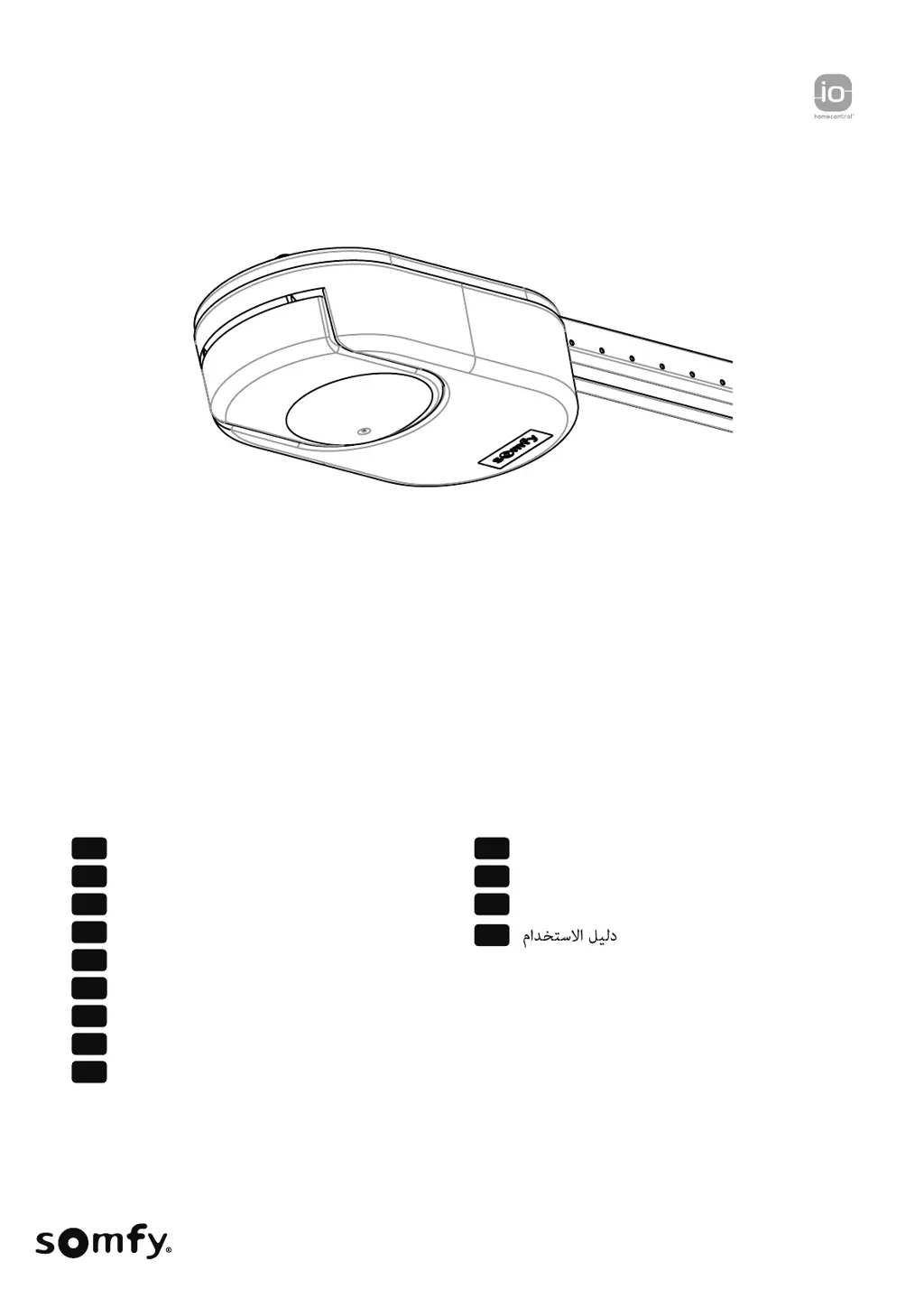
SOMFY DEXXO SMART io - User Manual

SOMFY DEXXO SMART io
68 pages
Go to English
Print Icon
To Next Page IconTo Next Page
Loading...
DEXXO SMART io
Manuel d'utilisation
Users manual
Bedienungsanleitung
Handleiding
Instrukcja obsługi
Használati útmutató
Uživatelská příručka
Manual de utilizare
Manuale duso
Manual de uso
Εγχειρίδιο χρήσης
Kullanım kılavuzu
FR
EN
DE
NL
PL
HUHU
CS
RO
IT
ES
EL
TR
AR

Table of Contents

Other manuals for SOMFY DEXXO SMART io

Questions and Answers

  • K
    Kimberly WilliamsAug 14, 2025
    Why is there no radio reception when I press the remote control button on my SOMFY DEXXO SMART io?
    • A
      Alyssa SchmittAug 15, 2025
      If there is no radio reception when you press a button on the remote control, verify if the remote control button has been programmed. Also, check that the remote control is equipped with io-homecontrol radio technology and verify the remote control batteries.
  • J
    jacksonmichaelAug 21, 2025
    What to do if my SOMFY DEXXO SMART io Garage Door Opener has an electronic fault?
    • J
      Jessica SandersAug 21, 2025
      If there is an electronic fault, switch the power supply off, wait about 5 minutes, and then switch the power supply back on.
  • V
    Victor WilliamsAug 25, 2025
    What to do if there is a permanent fault with photoelectric cells in my SOMFY Garage Door Opener?
    • R
      Richard ColemanAug 25, 2025
      If there is a permanent fault with photoelectric cells, check the alignment and wiring of the cells.
  • N
    Natasha CarrollAug 28, 2025
    What to do if there is a short-circuit at cells safety input on my SOMFY DEXXO SMART io Garage Door Opener?
    • T
      Teresa GarciaAug 28, 2025
      If there is a short-circuit at the cells safety input, check that the bridge between terminals 17 and 18 has been removed, and check the connection of the cells. Set up P4 again, and then perform auto-programming again.
  • L
    Lisa PetersonAug 31, 2025
    What to do if there is a permanent fault with gate contact wiring on my SOMFY DEXXO SMART io Garage Door Opener?
    • J
      Jason WalkerAug 31, 2025
      If there is a permanent fault with gate contact wiring, check the closure of the gate and the gate contact wiring.
  • E
    Eric JamesSep 3, 2025
    What to do if the POWER indicator is on, but programming is not carried out on my SOMFY Garage Door Opener?
    • A
      Amy QuinnSep 3, 2025
      If the POWER indicator is on, but programming is not carried out, perform quick commissioning of the drive.
  • B
    bguzmanSep 7, 2025
    What to do if the POWER indicator is on and programming is in progress on my SOMFY DEXXO SMART io Garage Door Opener?
    • B
      Barbara WolfeSep 7, 2025
      If the POWER indicator is on and programming is in progress, wait until programming is complete.
  • A
    Anthony FrySep 10, 2025
    What to do if no wired control is activated on my SOMFY Garage Door Opener?
    • S
      Shannon WilsonSep 10, 2025
      If no wired control is activated, mechanically check that the control point is not blocked. If the control point is not blocked, disconnect the control point. If the indicator light goes out, check the wiring.
  • D
    David SharpNov 16, 2025
    What to do if there is a short circuit on connected peripherals in my SOMFY Garage Door Opener?
    • T
      tracy06Nov 16, 2025
      If there's a short circuit on connected peripherals, check the operation and wiring of the wired connected peripherals. If the indicator lights are still flashing, cut the power supply, remove the green terminal block, wait 30 s and then switch the power supply back on: if all 4 indicator lights stop flashing, check the wiring of the cells and peripherals connected to the wired inputs. If the indicator lights are still flashing, cut the power supply, remove the black terminal block (7-8-9), wait 30 s and then switch the power supply back on: if all 4 indicator lights stop flashing, check the wiring of all peripherals connected to this power supply. If the indicator lights are still flashing, cut the power supply, remove the orange terminal block (5-6), wait 30 s and then switch the power s...

Summary

General Information

About Somfy

Information about Somfy's development, manufacturing, and sales of automatic control devices.

Assistance

Details on how to get assistance or further information from Somfy.

Safety Instructions

Important Safety Warnings

Crucial safety instructions to follow for personal safety and to avoid serious injury.

General Safety Information

General information about the product's compliance with standards and purpose.

Usage Safety Guidelines

Safety guidelines for operating the motorisation, including user supervision and monitoring.

Battery Safety

Safety warnings regarding batteries, including keeping them away from children.

Recycling and Disposal

Instructions for proper recycling and disposal of the motorisation and batteries.

Use and Operation

Normal Operation

Describes the normal operation of the motorisation using remote controls.

Keygo io Remote Control Operation

How to use Keygo io remote controls for complete and partial opening, and closing.

Obstacle Detection

Explanation of how the motorisation reacts to obstacles during operation.

Specific Operating Modes

Details on specific operating modes based on installed devices and programmed options.

3-Button Remote Control Operation

How to operate the motorisation using a 3-button remote control.

Safety Cell Operation

How safety cells function to prevent closing or reopen the door when an obstacle is detected.

Orange Flashing Light

Explanation of the orange flashing light activation before door movement.

Integrated Lighting

How the integrated lighting operates with the motor and remote controls.

Area Lighting

How the area lighting operates with the motor and remote controls.

Sequential Mode with Auto-Closing

Describes automatic closing after a time-out and how to cancel it.

Backup Battery Operation

How the motorisation operates during a power outage using a backup battery.

Adding Keygo io Remotes

Instructions on how to copy functions from one Keygo io remote to another.

Gate Safety Operation

How the pedestrian gate integrated into the garage door affects door movement.

Emergency Manual Release

Procedure for manually releasing and operating the door in case of an electrical fault.

Maintenance

Regular Checks

Guidelines for checking the motorisation's safety features and components.

Safety Feature Checks

Regular checks for safety features like cells and gate contacts.

Backup Battery Maintenance

Recommendations for maintaining the backup battery for optimal lifespan.

Battery Replacement

Step-by-step instructions for replacing the battery in the remote control.

Technical Data

SOMFY DEXXO SMART io Specifications

General IconGeneral
TypeGarage Door Opener
Max Door Weight100 kg
Operating Temperature-20°C to +60°C
Power Supply230V
Safety Featuresobstacle detection
Remote ControlYes

Related product manuals