EasyManua.ls Logo

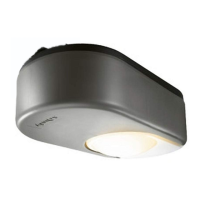
SOMFY Freevia 300 - User Manual

SOMFY Freevia 300
37 pages
Print Icon
To Next Page IconTo Next Page
Loading...
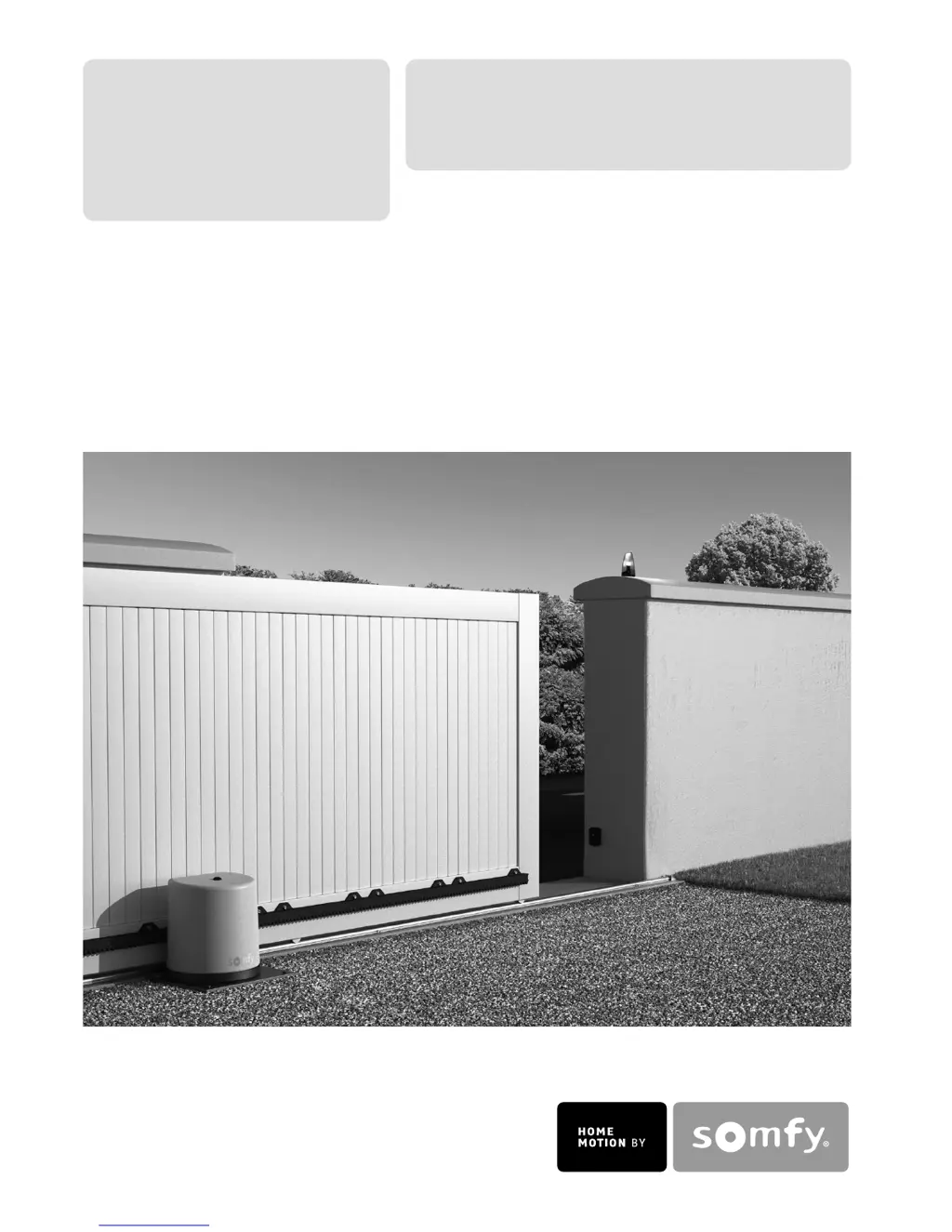
Freevia 280
Freevia 300
Operating and installation guide
Instrukcja montażu i obsługi
5057966C

Other manuals for SOMFY Freevia 300

Questions and Answers

  • N
    Nicholas SalinasAug 14, 2025
    Why SOMFY Freevia 300 Garage Door Opener motor does not respond to remote control?
    • J
      Julian SmithAug 14, 2025
      If your SOMFY Garage Door Opener motor isn't responding to the remote, here are a few things to check: - Reduced remote control range could be caused by a low battery. Check the remote control battery. - Inspect the aerial of the electronic unit for wiring and positioning. - External factors might interfere with the radio signal. Look for electric pylons or metal-reinforced walls. If interference persists, consider fitting an external aerial.
  • Q
    qschmidtAug 17, 2025
    Why are my SOMFY Gate Opener motors not responding to the remote control commands?
    • K
      Kelly FosterAug 17, 2025
      Several factors can cause your SOMFY Gate Opener motors to not respond to remote control commands: * The remote control range might be reduced due to a low battery. In this case, check the remote control battery. * The remote control range could also be reduced due to issues with the electronic unit's aerial. Check the wiring and position of the aerial. * Outside elements might be interfering with the radio signal. If this is the case, fit an external aerial. * The remote control may not be memorized. Memorize the remote control. * One or two motors might be unlocked. Lock the motors.
  • R
    Robin OrrAug 21, 2025
    What to do if the STATUS indicator of my SOMFY Gate Opener electronic unit is flashing with 3 pulses?
    • C
      Carolyn HarringtonAug 21, 2025
      If the STATUS indicator on your SOMFY Gate Opener's electronic unit is flashing 3 times, it indicates a cell fault. This could be due to several reasons: * An obstacle blocking the cells. Remove any obstacles. * Misaligned cells. Correct their alignment. * Incorrectly wired cells. Wire the cells correctly. * Missing or disconnected cells. Check that your cells are correctly connected. If you have deliberately disconnected the cells and your gate is operating in auto close mode, you must deactivate auto close mode.
  • D
    Debbie SuttonAug 25, 2025
    What to do if the STATUS indicator of my SOMFY Gate Opener electronic unit is off?
    • S
      Shelley NielsenAug 25, 2025
      If the STATUS indicator on your SOMFY Gate Opener's electronic unit is off, it means the motor is not powered. Check the power supply and the supply cable.
  • F
    fbrownAug 27, 2025
    What does it mean when my SOMFY Gate Opener shows 5 pulses?
    • A
      April BentleyAug 27, 2025
      If your SOMFY Gate Opener shows 5 pulses, it means the motor thermal protection device has been activated. Allow the motor to cool down until the STATUS indicator lights up continuously.
  • A
    Albert NicholsAug 31, 2025
    What does it mean if my SOMFY Gate Opener shows 4 pulses?
    • L
      Larry BurnsAug 31, 2025
      If your SOMFY Gate Opener displays 4 pulses, it indicates a short circuit on the electronic unit BUS output (terminals 3-4). Check the accessories connected to the electronic unit BUS output.
  • D
    David TorresSep 3, 2025
    What does it mean if my SOMFY Gate Opener shows 6 pulses?
    • J
      Julia JonesSep 3, 2025
      If your SOMFY Gate Opener displays 6 pulses, it indicates a short circuit on the electronic unit 24 V output (terminals 5-6). Check the accessory connected to the electronic unit 24 V output.
  • E
    Emma LozanoSep 6, 2025
    Why does the automatic closing mode not activate on my SOMFY Gate Opener?
    • K
      Kevin BrownSep 6, 2025
      The automatic closing mode on your SOMFY Gate Opener might not activate because photoelectric cells are not installed. Install some cells.
  • S
    Sarah SmithSep 10, 2025
    What to do if outdoor lighting is very low and the SOMFY Gate Opener motor is on standby?
    • B
      Brett TurnerSep 10, 2025
      If the outdoor lighting is very low and your SOMFY Gate Opener motor is on standby, increase the light around the electronic unit (using a torch, for example) if you want to make adjustments.

Summary

Safety Instructions

Product Description

Technical data

Lists electrical and operational specifications of the motor.

Preliminary Operations

Safety instructions

Critical safety guidelines to follow during installation.

2. Mounting

Mechanical adjustment

Fine-tuning the motor and rack for smooth operation.

3. Electrical Connections

Connection to the electrical power supply

Steps for connecting the main power source.

4. Quick Commissioning

Presenting the remote control

How to pair remote controls with the motor.

Programming the gate travel

Setting the open and close limits for the gate.

Operation

Operation in automatic mode

How the gate operates with automatic closing.

Unlocking;locking the motor

Procedures for manual override and locking the motor.

Advanced Parameter Setting

Memorising a 2 or 4 button remote control

Pairing 2 or 4 button remote controls with the system.

Memorising a 3 button remote control

Pairing 3 button remote controls with the system.

Activating AUTO CLOSING mode

Setting up the automatic gate closing feature.

Accessories

Photoelectric Cells

Details on photoelectric cells for safety.

Cell Installation and Wiring

Steps for installing and connecting the cells.

Cell Recognition, Deletion, and Blocking

Cell recognition, deletion, and blocking procedures.

Solar Power

Troubleshooting Guide

Motor Response Issues

Troubleshooting when the motor doesn't respond to remote commands.

Electronic Unit Status Indicator Issues

Diagnosing problems based on the status indicator lights.

Motor Thermal Protection and Short Circuits

Troubleshooting thermal protection and short circuits.

Automatic Closing Mode Issues

Diagnosing problems with the auto-closing feature.

Clear the Settings

Clear Memorised Settings and Remote Controls

SOMFY Freevia 300 Specifications

General IconGeneral
Operating Temperature-20°C to +60°C
Operating voltage230V AC
Motor TypeDC
Power Supply230V AC
Control TypeRemote control
Safety FeaturesObstacle detection

Related product manuals