23/30
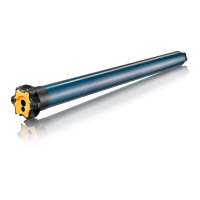
J4 WT Protect Drive
Full installation guide
[ Click here to return to contents ]
Copyright © 2017 SOMFY ACTIVITES SA. All rights reserved.
Non contractual images.
4.3. INSTALLING THE DRIVE
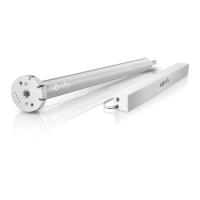
To make the settings for your drive, you can choose to use either the
WT setting tool (ref. 9015971 in Europe and ref. 9016772 in Switzerland)
or a non-locking double push-button control point.
The non-locking double push-button is only useful during
installation. For use aer installation, we strongly recommend
that you install a single push-button or reversing switch.
The actions of the WT setting tool correspond to the actions performed
on the non-locking double push-button, as shown below:
What is a non-locking double push-button?
Simultaneous press
Button held down aer the
control point has been released
Up
Down
Simultaneous
press on Up
and Down
USING THE WT SETTING TOOL:


 To Next Page
 Loading...