User Manual SPA Snow Pack Analyser
- 18 -
Values:
• After meas = 1 (default) push operation of data output after every
measurement the data is output
• Per ‘!’ over RS232 = 2 pull operation of data output use the '!' for data
output/request
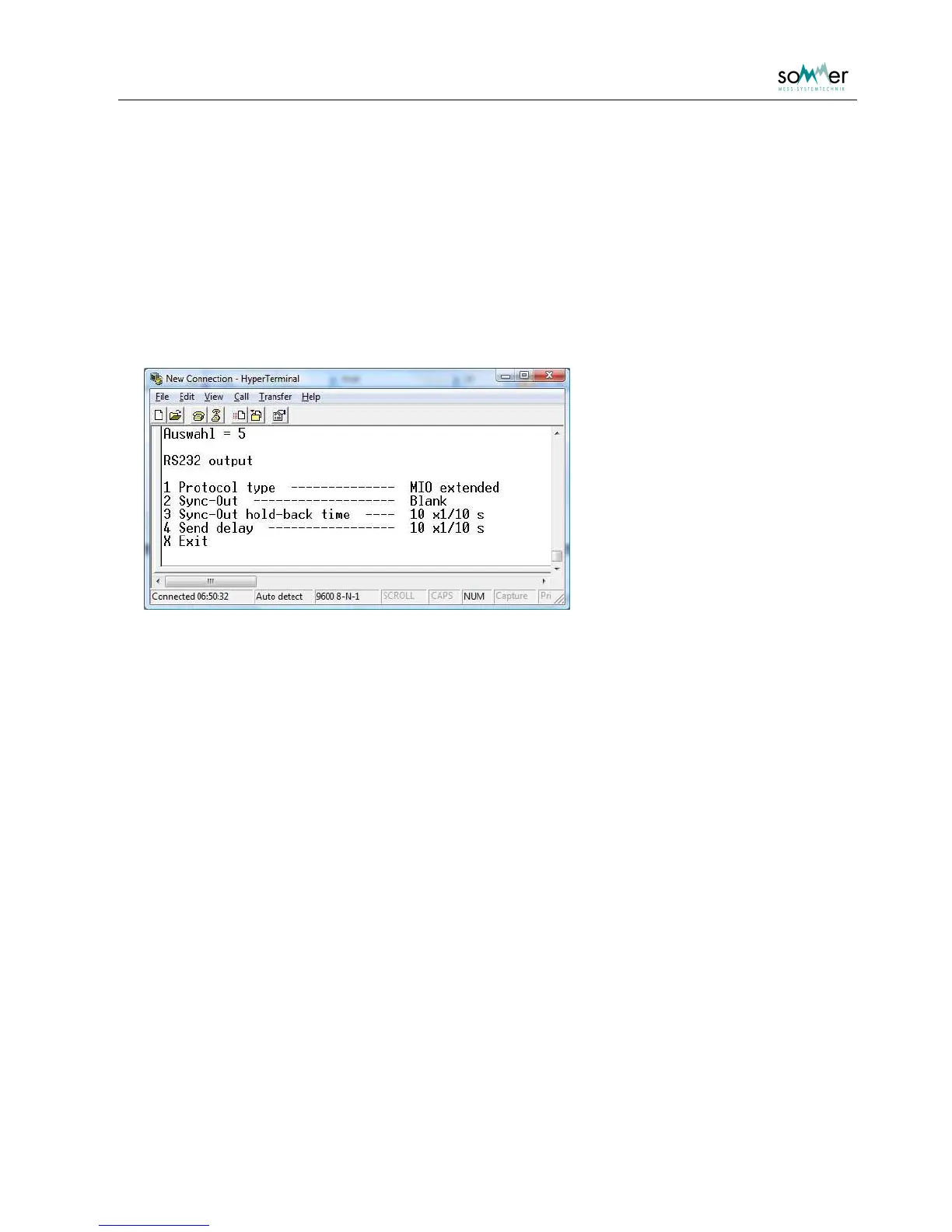
4 RS232 output
In this submenu the parameter for the output protocol of the RS-232 interface are listed.
Fig. 3: Submenu: RS232 output
1 Protocol type
The protocol type for the data output via the RS-232 is selected. For a description of the protocol see
chapter 7. Basic protocols do not include the capacitances and phases, only the extended protocols do.
• Off = 1
• Standard basic = 2
• MIO basic = 3
• Standard extended = 4
• MIO extended = 5 (default)
2 Sync-Out
The parameter is used for waking up connected data logger. Either a blank is sent prior to the output
strings, or the RTS control line is switched on.
• Off = 1
• RTS method = 2
• Blank = 3 (default)



 To Next Page