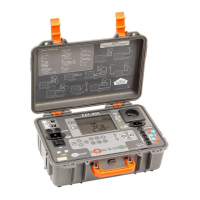
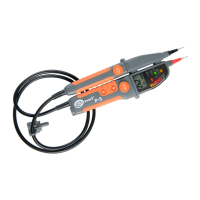
P-4 ● P-5 ● P-6 – USER MANUAL
2.2 Display
Reading field
Read-out stopped on the display (HOLD
function)
Clockwise sequence of phases
Counter-clockwise sequence of phases
Low battery status
Units of displayed values
3 Measurements
3.1 Switching the tester ON
To switch the tester ON:
contact the metal tips of test probes with
each other
or
connect the tips of probes to the voltage
source of ≥6 V AC / DC.
3.2 Operational check of the tester
Before and after each use of the tester, check its
operation:
contact the metal tips of test probes with
each other for approx. 4-6 s and then discon-
nect them. This should result in the following:
all the LEDs light up,
the buzzer is activated
all the icons light up and the dis-
play backlight is active.
In addition, before each use, check the tester
by measuring a known voltage source.
The function of indicating dangerous volt-
age source is active with discharged or re-
moved batteries. To operate other functions
efficient batteries are required.


 To Next Page