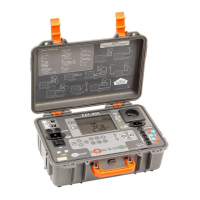
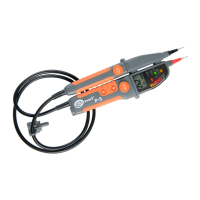
P-4 ● P-5 ● P-6 – USER MANUAL
3.10 Flashlight
The tester may light the measuring point,
Briefly press button on test probe L2.
Disabling the function:
after pressing button again,
after Auto OFF time elapsed.
3.11 Display backlight
The tester has the function of display backlight.
The backlight turns on automatically when the
flashlight or measurement function is activat-
ed.
Press and hold longer button to test probe
L2 in order to switch OFF the display back-
light.
This function is also switched OFF after elaps-
ing Auto OFF time.
3.12 'Freezing' the result (HOLD func-
tion)
Voltage testers
may 'freeze' the voltage or
resistance measurement result – HOLD function.
To hold the result on the screen, press short-
ly button - the display will show HOLD
message.
The HOLD function is disabled after another
short pressing of button.
4 Replacing batteries
The tester is powered by two LR03 AAA batteries
of 1.5 V. The need to replace the batteries is indi-
cated by:
no beep after contacting with tips of test
probes with each other,
lighting too dim after pressing button,
active battery indicator light ,
displayed symbol .


 To Next Page