All Apps
11
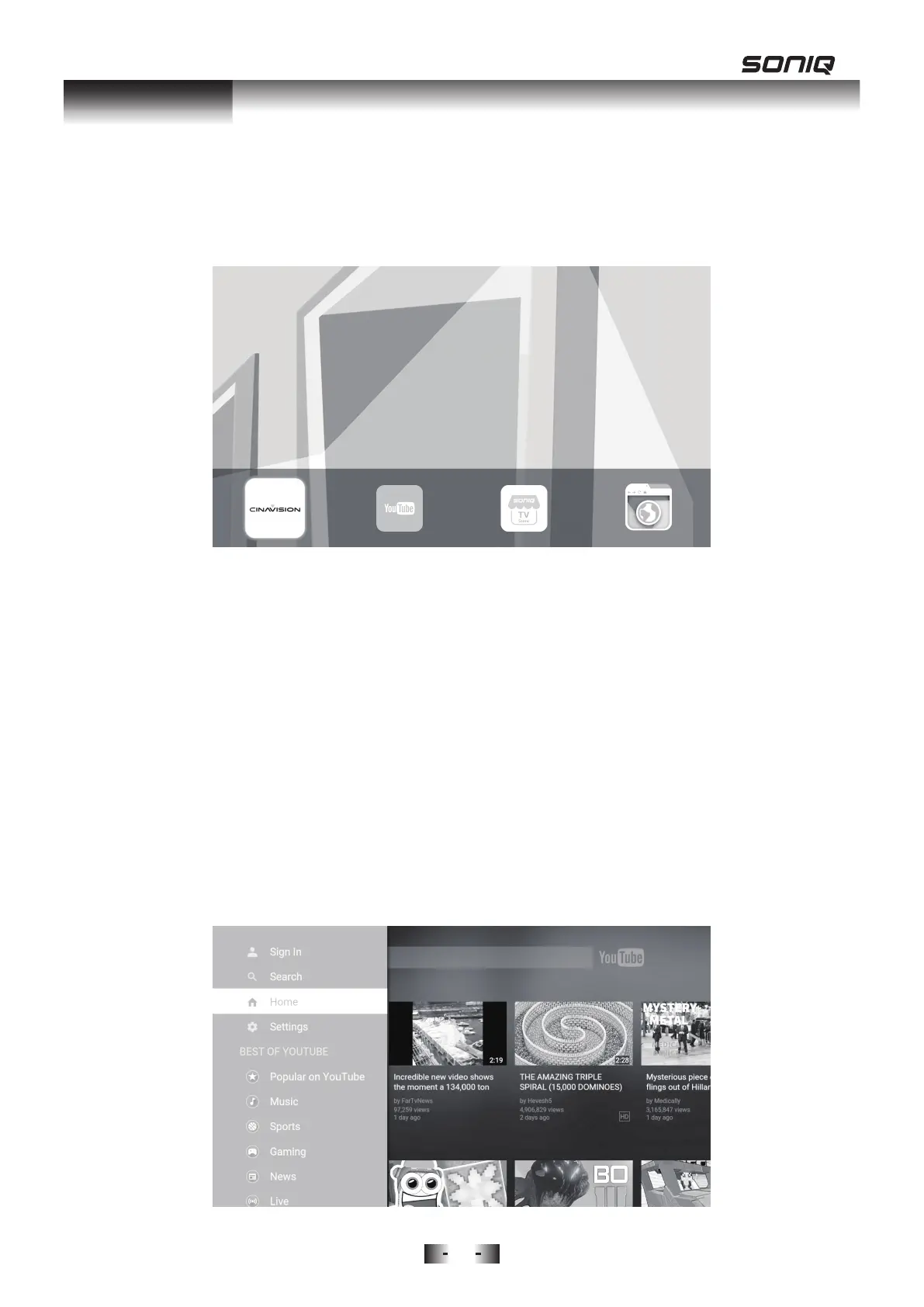
Press APP button on the remote control to show all available apps once your
TV is connected to network.
Press Left / Right Buttons to move the cursor, and press OK button to launch
a selected app.
All Applications
• CINAVISION
• YouTube
• SONIQ TV Store
• Web Browser
Note: Above listed apps is the universal version of SONIQ TV and may be
subject to change.
Y
ouTube:
1. After connecting to network, you can press the YouTube hotkey on remote
control to access YouTube directly.
2. Use your mobile phone to activate YouTube.


 To Next Page