25
(sequent/circle/random), Play Settings.
Music Playback
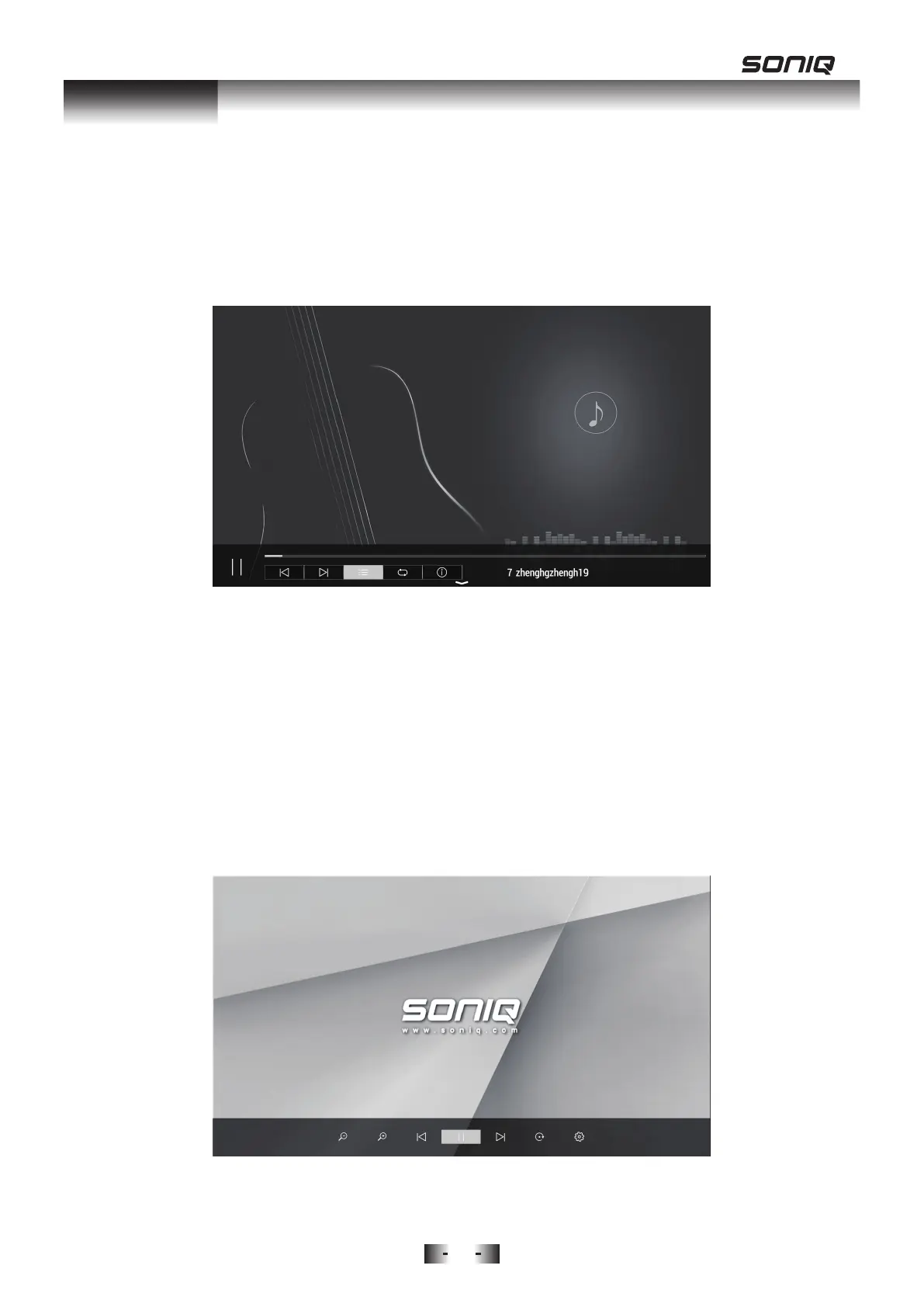
Enter this function by SOURCE->Media->MUSIC, then select your favourite
song for playing. Press OK to play the music and Exit to exit playback.
When Playing Music Files:
• Press the MENU button on the remote control to hide/display the tool bar.
• Press the Left/Right buttons to select the preferred function, then press OK
to confirm. The functions available are: Previous, Next, Playlist, Play Mode
(sequent/circle/random), Music Info.
Picture Playback
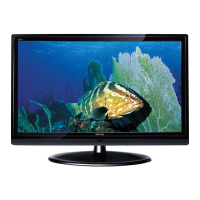
Enter this function by SOURCE->Media->PICTURE, then press navigation
buttons to select the desired folder or file and press OK button to playback
the desired picture to play in full screen.
When Playing Picture Files:
• Press the MENU button on the remote control to hide/display the tool bar.
MEDIA



 To Next Page