23
Or you can Press Menu Button on the remote control and choose
CHANNEL MENU to PVR settings.
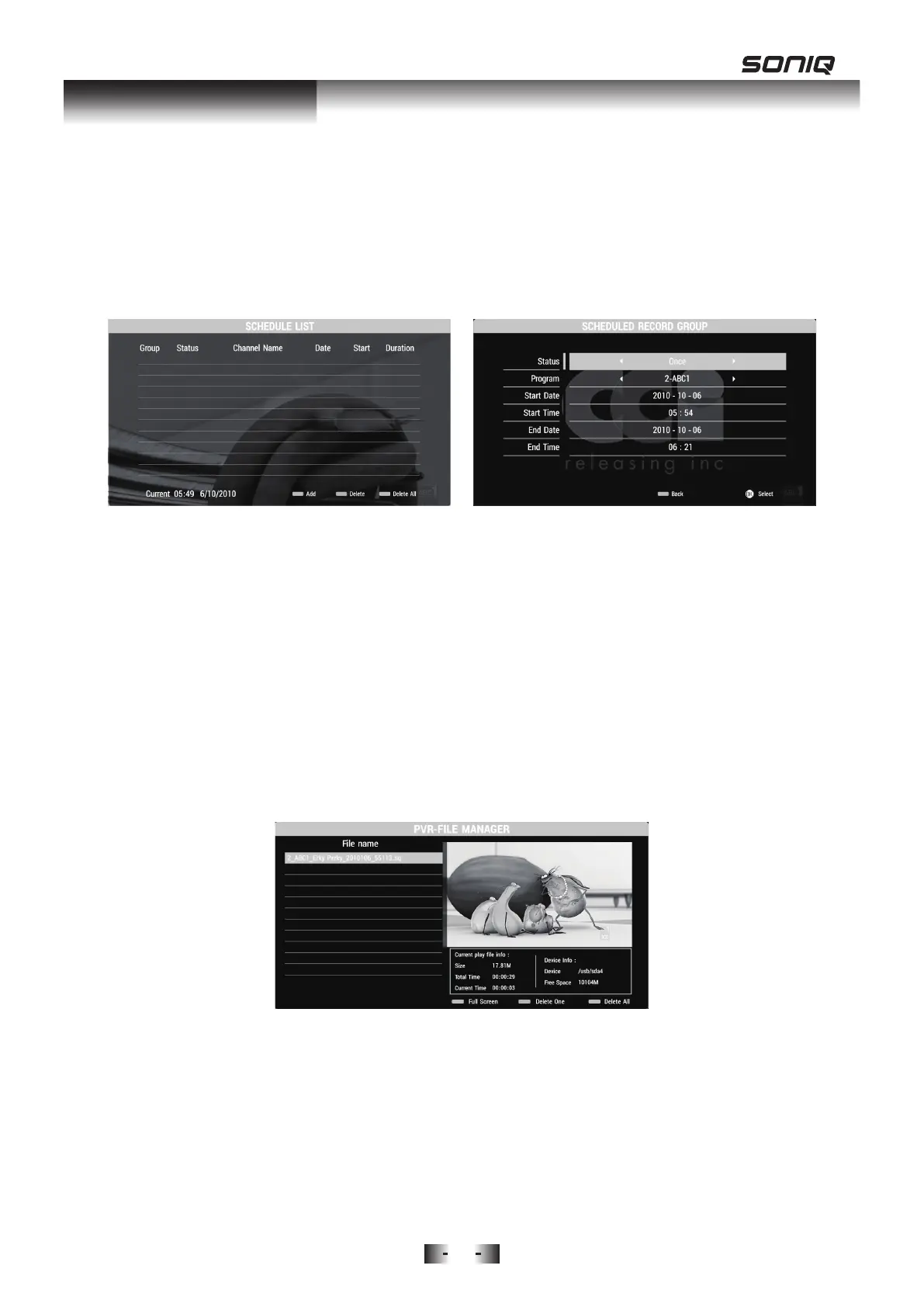
2. Press OK button and use Up / Down button to Schedule List, then to
press OK again to enter.
3. Press Blue Key on your remote control to SCHEDULED RECORD
GROUP.
Play the Recorded Program
1. Press PVR.L Key on the remote control to quickly enter to PVR settings or
follow MENU->CHANNEL MENU->PVR SETTINGS->FILE MANAGER->OK
2. Press Up / Down to highlight which program you want to play.
Press OK Button or Blue Key to play it in full screen.
Press RETURN Button to exit full screen playback.
Press Green Key to Delete One selected program.
Press Yellow Key to Delete All programs.
3. The current program and device information will be displayed underneath
the playing program.
PVR Function



 To Next Page