25
Smart TV Function
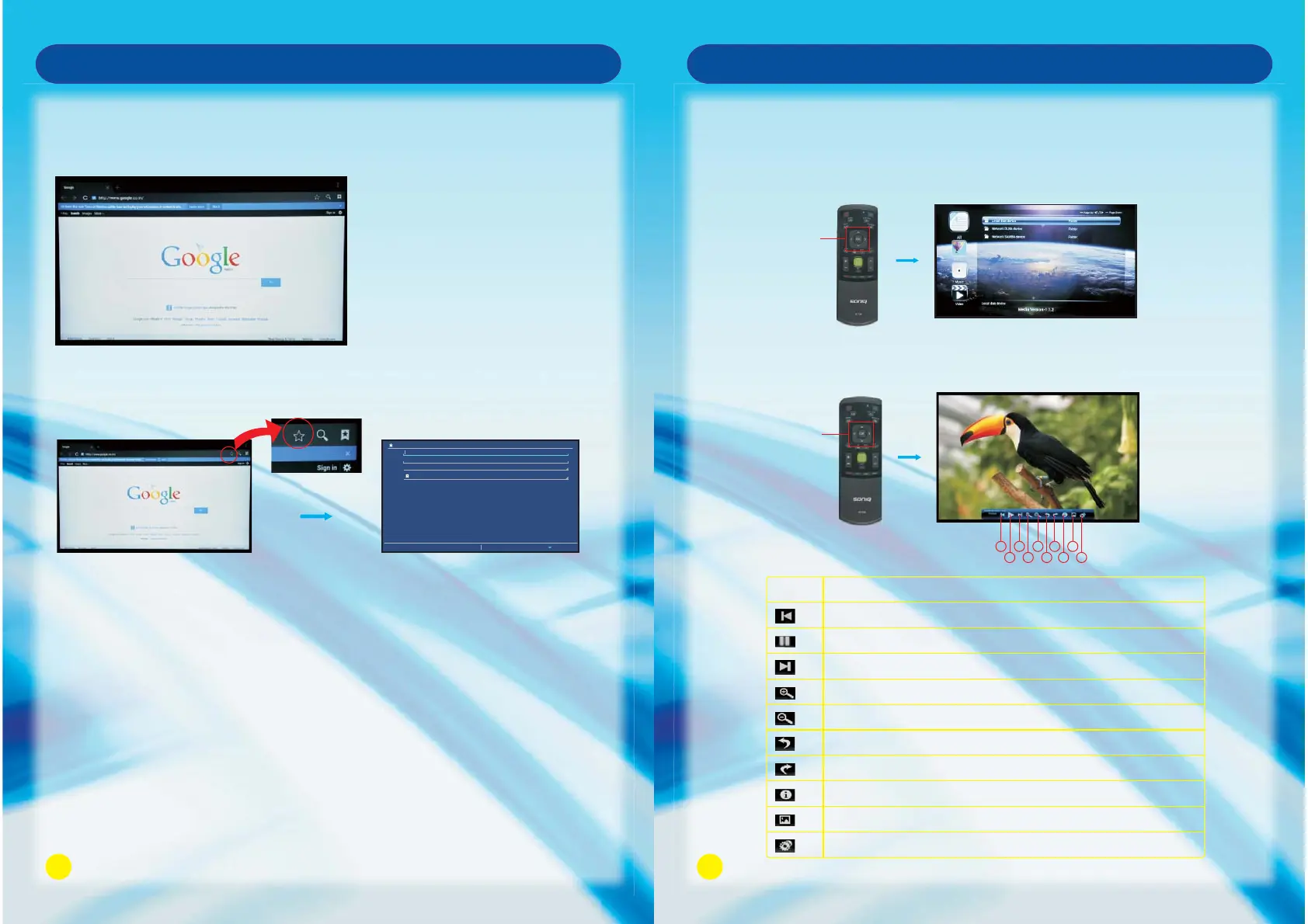
Browser
Add the Bookmark
Click on the (Star Icon) at the top right of the page to display a page, from which you
can add bookmarks, view visited history.
To open Browser click on HOME - > Browser
Website can be entered by(keyboard on the Remote Control / keyboard on the TV
screen / external keyboard), you can view the website on the TV.
Label
Address
Account
Add to
Cancel OK
Google
http://www.google.co.in/
Local
Bookmarks
Bookmark this page
26
Smart TV Function
Press OK Button to play or Exit to exit
13579
246810
No.
1
2
3
4
5
6
7
8
9
10
Skip to the previous picture.
Click it to play or pause playback.
Skip to the next picture.
Zoom in the picture.
Zoom out the picture.
Right rotation.
Left rotation.
Display the information of the picture.
Set the picture as a wallpaper.
Set the animation effect and interval time of playing the picture.
Description
OK Button
Media:
This function can allow you to view the shared media from the memory storage.
Note: Before operating Media function, plug in USB device.
HOME - > Media
Press Navigation Button to view the shared media in the category.
Navigation
Button



 To Next Page