12
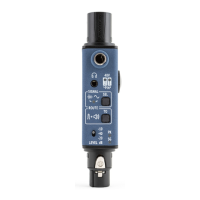
Thanks to its internal speaker, your Sound Bullet
can test balanced feeds layed out for wireless or
hardwired IEMs, self-powered speakers or speaker
amps/processors, recording and camera feeds.
When the Sound Bullet is switched on, signals present
on the input XLR or 1/4” jack are reproduced by the
internal speaker by default. Make sure the mixing
console is sending either pink noise, music or any
other type of audio into the line you are testing and
simply plug that line into the Sound Bullet.
The input meter on the Sound Bullet will give you
indication of signal presence ‘SG’ or of the signal being
very loud, ‘PK’. This feature is very useful in noisy
environments, or if you can’t get your ear close enough
to the Sound Bullet’s speaker.
If you require a more accurate listening to the
signal, plug your headphones into the Sound Bullet’s
headphone port and adjust its output level with the
volume thumbwheel on the side.
Check XLR feeds


 To Next Page