13
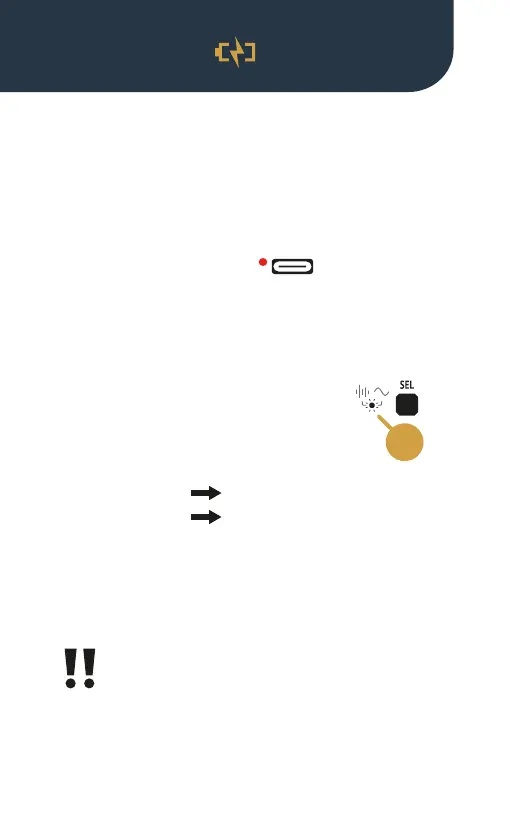
The LED by the USB-C port indicates
the charging state while the Sound Bullet is being
charged. The LED lights up red while the battery is
charging, and turns off when it’s fully charged.
The function LED (11) next to the SEL
button will blink white as a warning
when the battery is:
• Low
• Out of charge
Consider recharging your Sound Bullet when the rst
‘low battery’ warnings appear.
Always power down your Sound Bullet after use.
Depleting the battery may cause irreversible
damage, resulting in the device being unable to power
on again.
3 white blinks
6 white blinks
11
Charge your Sound Bullet using the provided USB-C
cable. A full charge cycle takes about one hour and the
device can be used while charging.
Battery
Charging


 To Next Page