18 Troubleshooting
Faults can occur on all electrical devices. This does not necessarily mean that the device is defective. Use the
information in the following table to see if you can remedy the fault yourself.
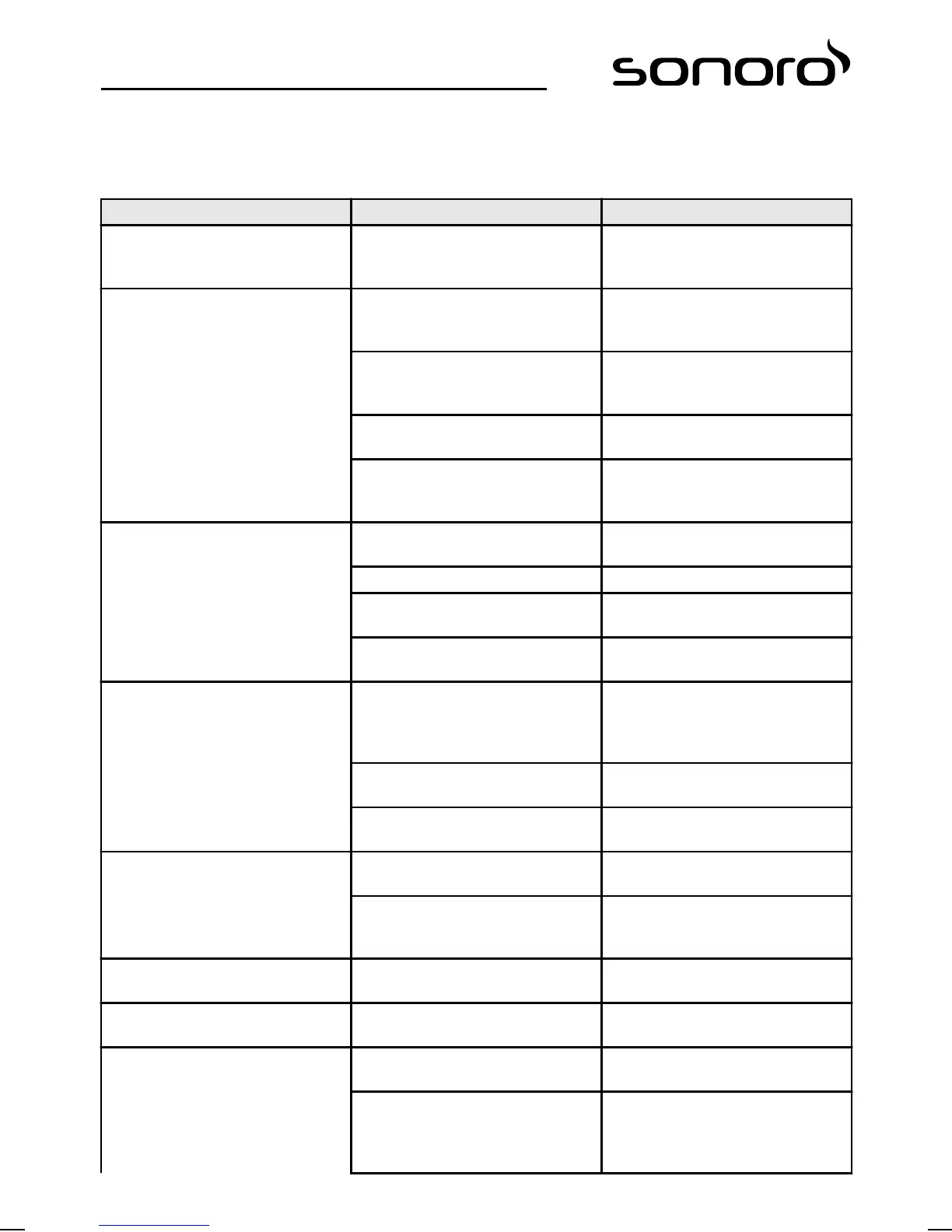
Malfunction Possible cause Elimination
The device does not switch on Mains cable is not connected prop-
erly
Connect the mains cable properly
(see
Ä
Chapter 7.3 ‘Connecting the
power cord’ on page 85).
No sound Volume is set to minimum Increase the volume (see
Ä
Chapter 10.2 ‘Setting the
volume’ on page 93).
Sound is switched off Switch the sound on (see
Ä
Chapter 10.3 ‘Setting playback to
mute’ on page 93).
Headphones are connected Remove the headphones from the
socket.
Different mode is selected Set the correct mode (see
Ä
Chapter 10.1 ‘Selecting a play‐
back mode’ on page 92).
CD playback does not start CD format is not compatible Insert a different CD into the CD
slot.
CD is dirty Clean the CD.
CD is damaged Insert a different CD into the CD
slot.
CD is upside down in the CD slot Eject the CD and insert it in the CD
slot the right way up.
USB playback does not start USB device is not plugged in Plug the USB device into the port
on the rear of the device (see
Ä
Chapter 15 ‘USB playback’
on page 98).
USB device is not compatible Check if your USB device is compat-
ible with the sonoroSTEREO.
USB device contains no readable
audio files
Check the files on the USB device.
No or faulty Bluetooth connection Interference caused by other radio
transmitters or devices
Increase the distance between the
sonoroSTEREO and the TV.
Software is not up to date Make sure that the current soft-
ware version is installed on your
external Bluetooth device.
Device does not react Error in the device Switch the device off and then on
again.
Poor FM/DAB reception quality The FM/DAB antenna is not cor-
rectly positioned
Change the position of the FM/DAB
antenna.
Remote control does not work cor-
rectly or does not work at all
Distance is too great Reduce the distance between the
remote control and the device.
The battery is empty Exchange the battery in the re-
mote control (see
Ä
Chapter
7.5 ‘Preparing the remote control’
on page 86).
100


 To Next Page
 Loading...



