Switching off the sound effect
8. Turn the click wheel in the [Max. Stereo] sub-
menu until [Max.Stereo Off] is shown.
9. Press the click wheel to confirm your selection.
ð
The sound effect is switched off.
9 Alarm function
You can have the device wake you up with FM/DAB
radio, a CD, Relax Music or stored alarm sounds.
All settings are configured by pressing the [Alarm 1]
or [Alarm 2] button on the front of the device or the
remote control for a while.
The alarm functions can also be set if the device is in
Standby mode.
The Alarm Setup menu is structured as follows:
‘Set alarm time è Set alarm source
è Set alarm volume
è Set the alarm repeat frequency è End’
i
If you do not enter any information for approx. 10
seconds when setting the alarm, the setting is ter‐
minated without being saved.
9.1 Setting the alarm time
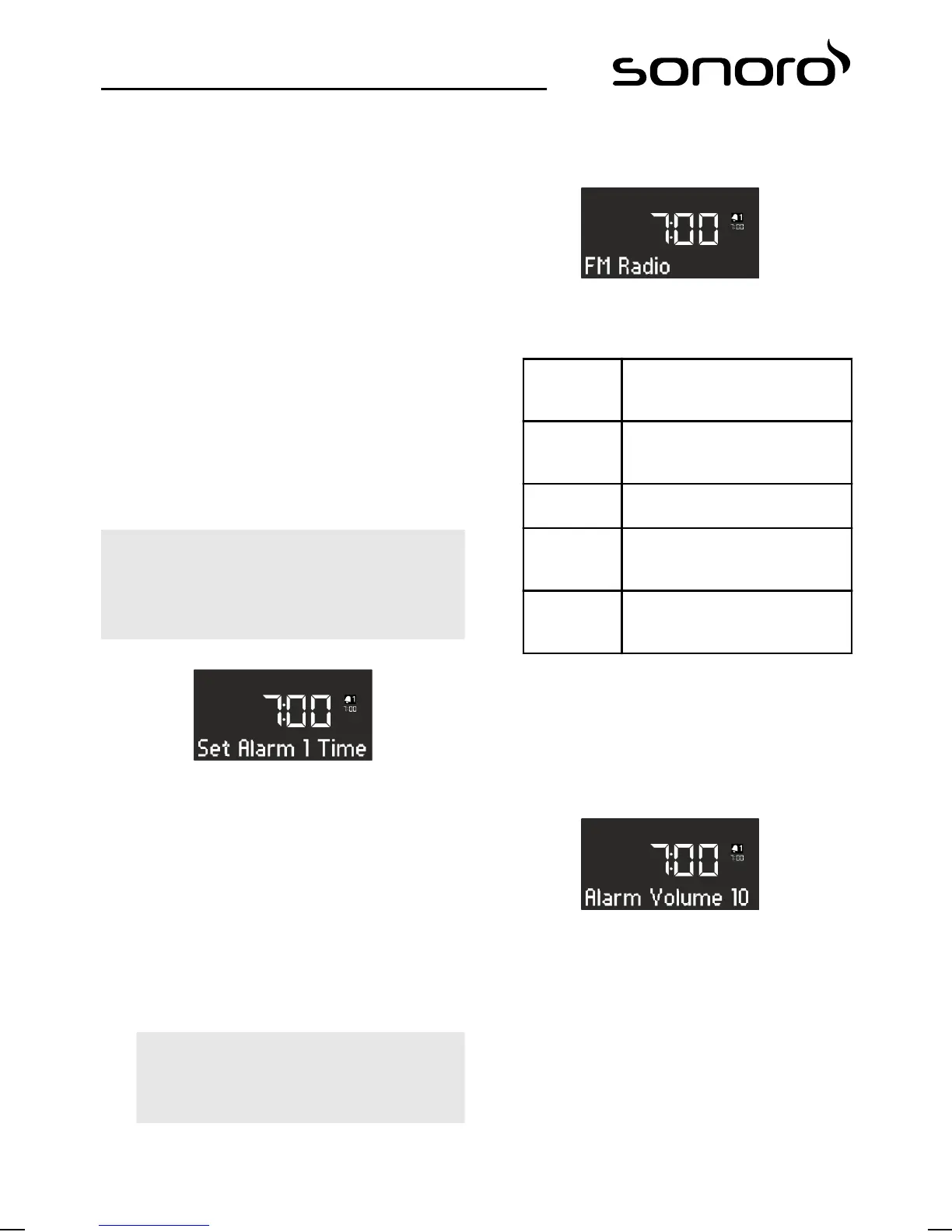
Fig. 24: Setting Alarm 1
1. Keep the [Alarm 1] or [Alarm 2] button pressed.
ð
The display shows the [Set Alarm 1 Time]
(Fig. 24) or [Set Alarm 2 Time] menu.
2. Turn the click wheel to set the hours.
3. Press the click wheel to confirm your choice.
ð
The minutes display will flash.
4. Turn the click wheel to set the minutes.
5. Press the click wheel to confirm your choice.
i
Use the [Next] or [Previous] buttons to toggle
between the hours and minutes display.
ð
The alarm time is set.
9.2 Setting the alarm source
After you have set and confirmed the alarm time, you
can choose the alarm source (Fig. 25).
Fig. 25: Setting the alarm source
1. Turn the click wheel to select the desired
source:
FM Select an FM station preset from
the station memory that you
want to use for the alarm.
DAB Select a DAB station preset from
the station memory that you
want to use for the alarm.
CD Select a track from the CD that
you want to use for the alarm.
Relax Music Select a Relax Music sound from
the memory that you want to
use for the alarm.
Ringtone Select a ringtone from the
memory that you want to use
for the alarm.
2. Press the click wheel or the [OK] button on the
remote control to confirm the setting.
ð
The alarm source is set.
9.3 Setting the alarm volume
After you have set and confirmed the alarm source,
you can choose the alarm volume (Fig. 26).
Fig. 26: Setting the alarm volume
1. Turn the click wheel to select the desired
volume.
2. Press the click wheel or the [OK] button on the
remote control to confirm the setting.
ð
The alarm volume is set.
91



 To Next Page
 Loading...


