2. Plug the RCA cable into the AUX 1 port or the
3.5mm jack plug into the AUX 2 port on the rear
of the device.
3. Press the [MODE] button until the display shows
[AUX.1 Input] or [AUX.2 Input]. You can also
press the [AUX] button on the remote control.
ð
The display will show the [AUX.1 Input] or
[AUX.2 Input] (Fig. 44).
4. Switch on the external device and start playback
on the external device.
15 USB playback
You can connect additional devices and play music
using the USB Charger & Playback port on the rear of
the sonoroSTEREO.
i
The MP3 and WMA formats can be played back.
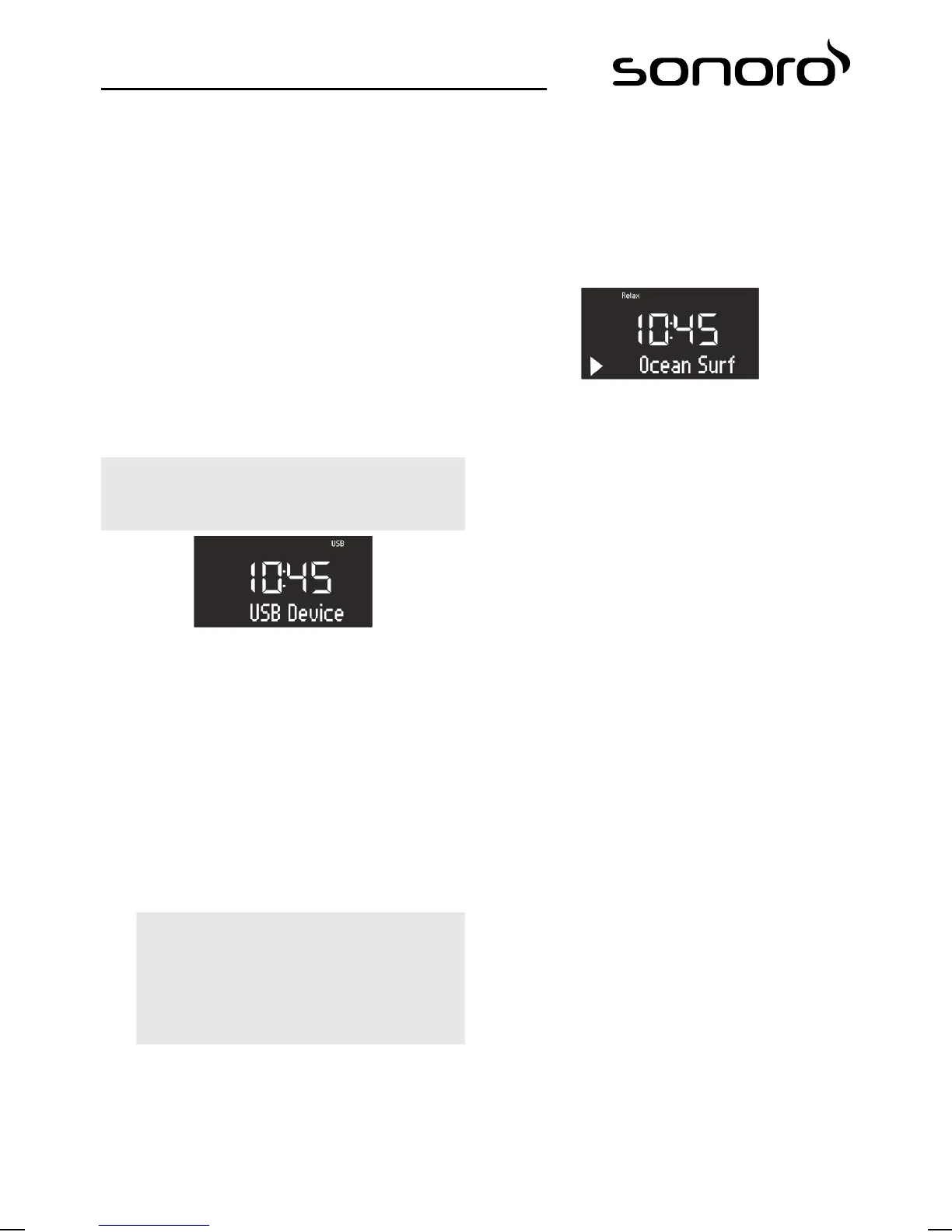
Fig. 45: Setting USB playback
1. Switch on the sonoroSTEREO.
2. Press the [MODE] button until the display shows
[USB Device] or press the [USB]-button on the
remote control.
ð
The display shows [USB Device] (Fig. 45).
3. Connect an external USB device to the
sonoroSTEREO.
ð
The display shows [Searching].
4. Press the [Play/Pause] button to start playback.
i
You can display the ID3 metadata, if avail‐
able, by pressing the [USB] button on the
remote control. The sequence is:
‘Track è Artist è Album è Elapsed time’
Pause/Stop USB playback
5. Press the click wheel or the [Stop] button on the
front of the device to pause or stop USB play-
back.
Selecting MP3 folders
6. Press the [Preset 1] button to select the previous
MP3 folder.
7. Press the [Preset 2] button to select the next
MP3 folder.
16 Relax Music playback
Fig. 46: Setting Relax Music
1. Switch on the sonoroSTEREO.
2. Press the [MODE] button until [Relax Music]
appears on the display. You can also press the
[RELAX] button on the remote control.
ð
The Relax Music menu appears on the dis-
play (Fig. 46).
3. Press one of the preset keys or the[Next] or
[Previous] button to select music:
n Ocean Surf
n Whales
n Birds
n Rain
n Wind Chimes
n Fireplace
17 Demo Music playback
Demo Music can be played in Standby mode to dem-
onstrate the device in a shop, for example.
Activating Demo Music mode
1. Press and hold the click wheel for approx.
3 seconds.
ð
The Demo Music mode is activated.
98


 To Next Page
 Loading...



