n Set the time format.
n Set the date format.
n Set the Sleep Timer.
n Set display brightness.
n Set automatic time/date update function.
n Set display language.
n Activate/deactivate Demo Music.
n Restore factory settings.
To adjust the settings, proceed as follows:
1. Press the [MENU] button on the front of the
device or the remote control to enter the corre-
sponding submenu.
2. Press the [Next] or [Previous] button or turn the
click wheel to scroll through the individual menu
items.
3. To open the selected menu item, briefly press
the click wheel or the [OK] button on the remote
control.
4. To exit the menu, briefly press the [MENU]
button on the device or on the remote control.
i
If you do not make any further entries, the menu
will close and the display switches to the previous
mode.
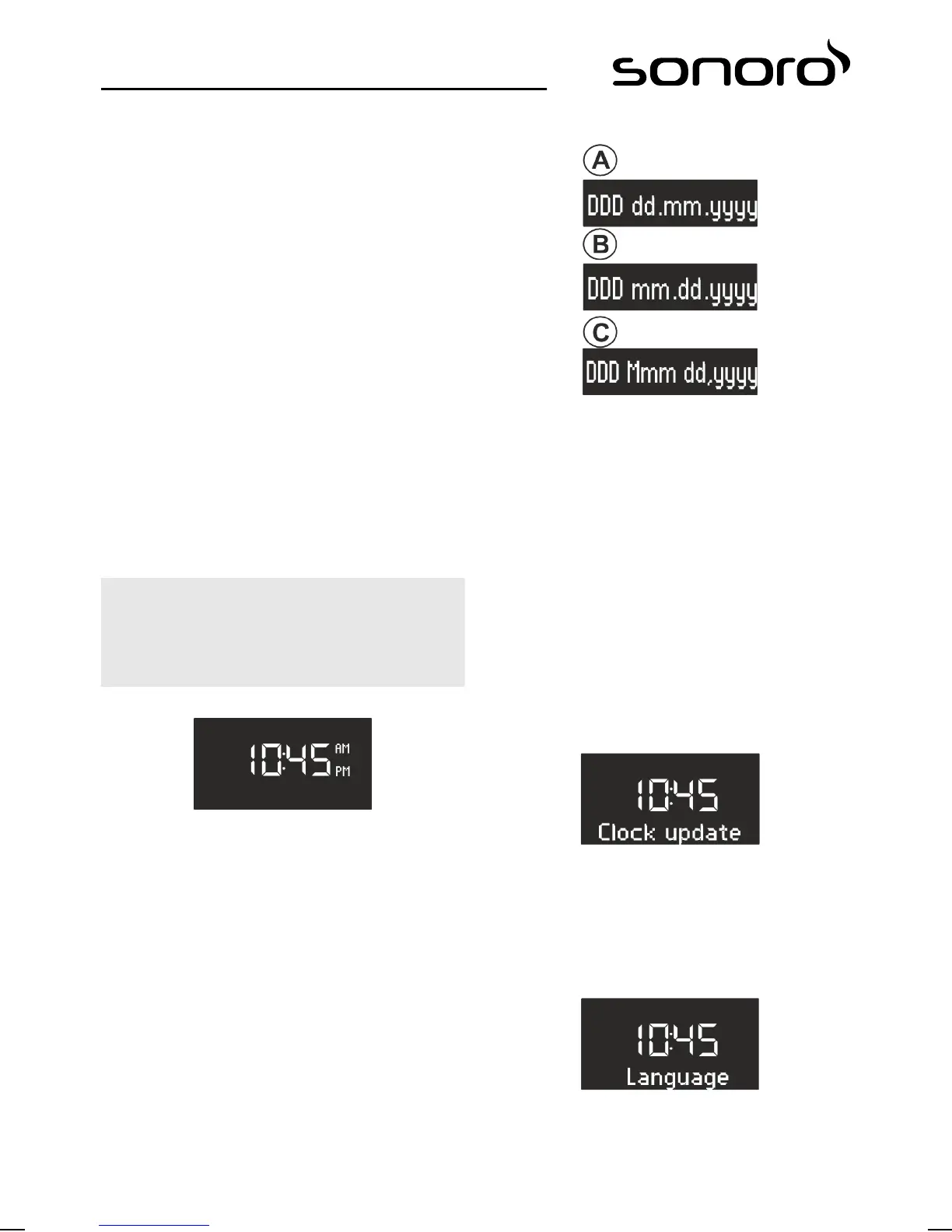
Setting the time format
Fig. 13: Setting the time format
You can choose between the 24-hour and 12-hour
formats. In the 12-hour format, the time of day is
indicated by [AM] and [PM].
Setting the date format
Fig. 14: Setting the date format
You can set three different date formats (Fig. 14/A, B
und C) as well as the current day. The configuration
options are:
n A: Current day, day, month, year.
n B: Current day, month, day, year.
n C: Current day, month (in words), day, year.
Setting the Sleep Timer
You can change the Sleep Timer settings in the
[Settings] menu (siehe
Ä
Chapter 8.4 ‘Setting the
Sleep Timer’ on page 89).
Setting the display brightness
You can change the brightness of the display back-
light in the [Settings] menu (siehe
Ä
Chapter 8.5 ‘Set‐
ting the dimmer ’ on page 89).
Setting the automatic time/date update function
Fig. 15: Configuring automatic updating
You can select the automatic updating in the
[Clock update] submenu (Fig. 15). By switching on the
function, the time as well as the date are automati-
cally synchronised in the FM radio and DAB radio
operating modes.
Setting the display language
Fig. 16: Setting the language
You can set the language of the menus as well as of
the playback display (Fig. 16). The available languages
are:
88


 To Next Page
 Loading...



