5 Using the menus
There are three types of menus in sonoroSTREAM.
•
Setup menu (For specific settings in a playback mode, e.g. [Recall from
Preset] in FM mode)
•
System Settings (For general settings, e.g. time/date, language etc.)
•
Main menu (For accessing the playback modes, sleep timer and alarms)
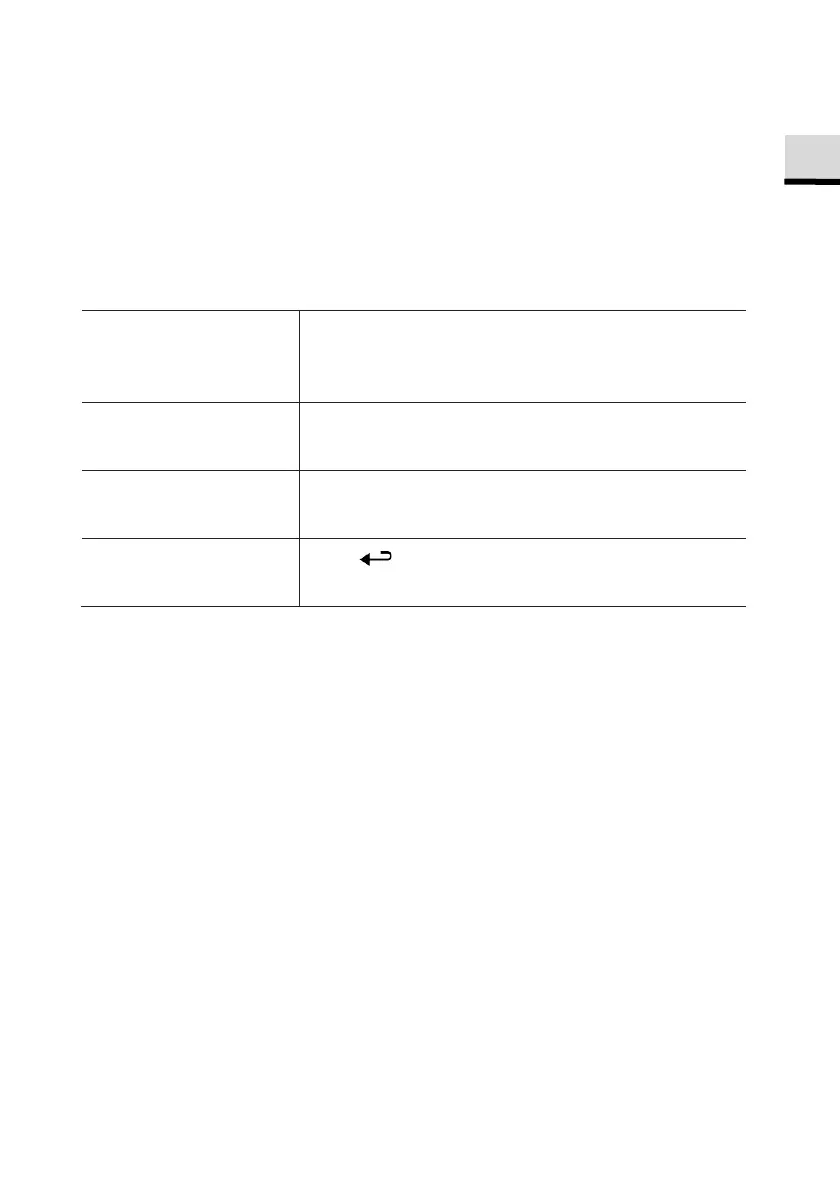
To access the menus, Press
.
Contents of the menus may differ in different
playback modes.
To select an option in
the menus,
Rotate the navigation knob on sonoroSTREAM or
press
or
on the remote control.
To confirm a selection
in the menus,
Press
.
(On sonoroSTREAM, press the navigation knob)
To go back one level
in the menu,
Press .
© sonoro audio GmbH 2019 63



 To Next Page