10 Bluetooth mode
sonoroSTREAM can connect to Bluetooth-enabled players (e.g. mobile phone)
within a range of approximately 10 meters (30 feet).
10.1 Pairing
1.
Press
once, then
◄
or
►
(or rotate the navigation knob) to select the
Bluetooth mode and then press
to confirm.
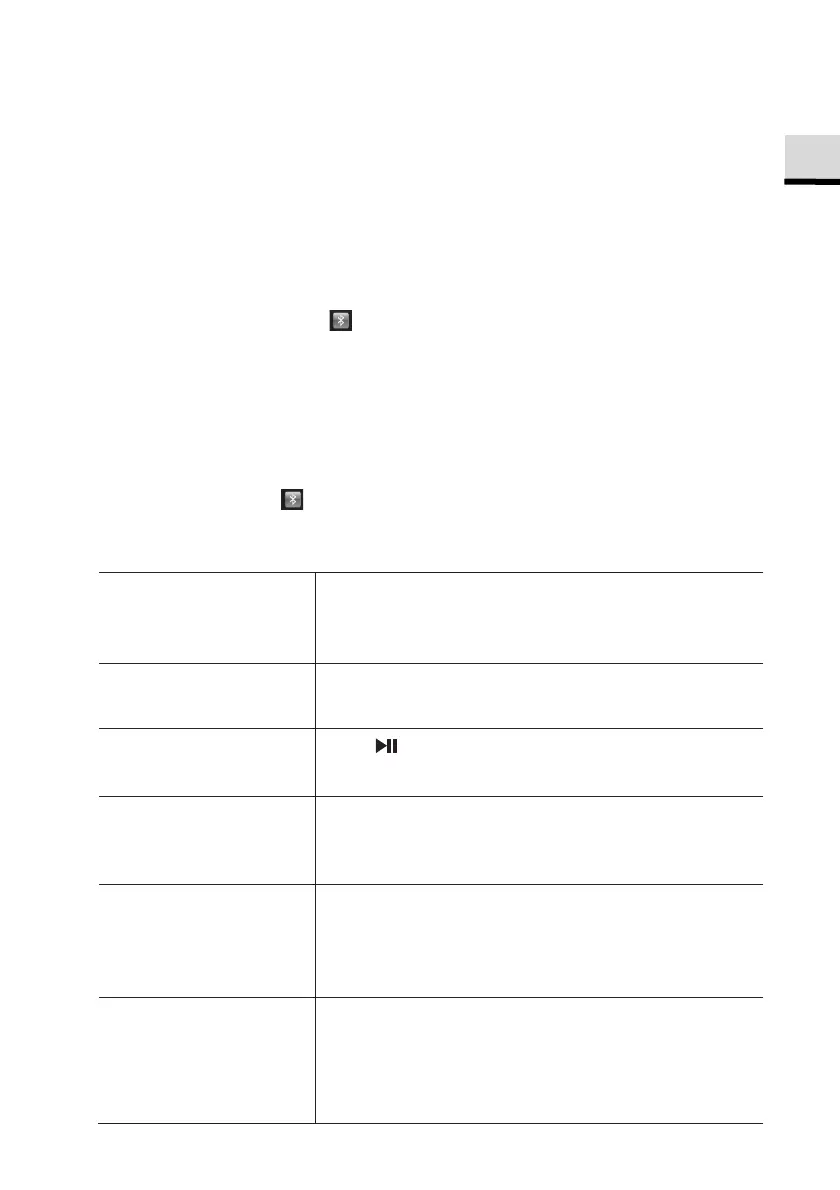
The small Bluetooth icon is blinking, indicating that sonoroSTREAM is
ready for pairing.
2.
On your Bluetooth-enabled player, turn on the Bluetooth function and search
for available Bluetooth devices.
3.
Select “sonoroSTREAM” in the list of available Bluetooth devices to start
pairing.
The Bluetooth icon stops blinking when pairing is complete.
10.2 Operation
To access the
Bluetooth mode,
Press
once, then
◄
or
►
(or rotate the
navigation knob) to select the Bluetooth mode
and then press
to confirm.
To start playback, Select an audio file from your Bluetooth- enabled
player and start playback.
To pause or resume
playback,
Press .
To skip to the
previous or next
audio file,
Press
◄
◄
or
►
.
To quickly search
backward or
forward within an
audio file,
During playback, press and hold
◄
or
►
.
To disconnect the
Bluetooth
connection,
•
Switch to another playback mode, or
•
Select [BT disconnect] from the setup
menu (see below), or
•
Press and hold
.
© sonoro audio GmbH 2019 71



 To Next Page