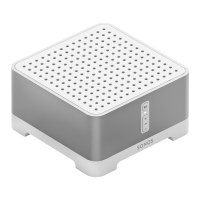
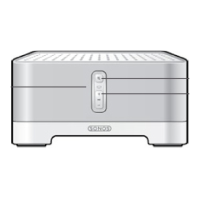
SONOS CONNECT:AMP
11
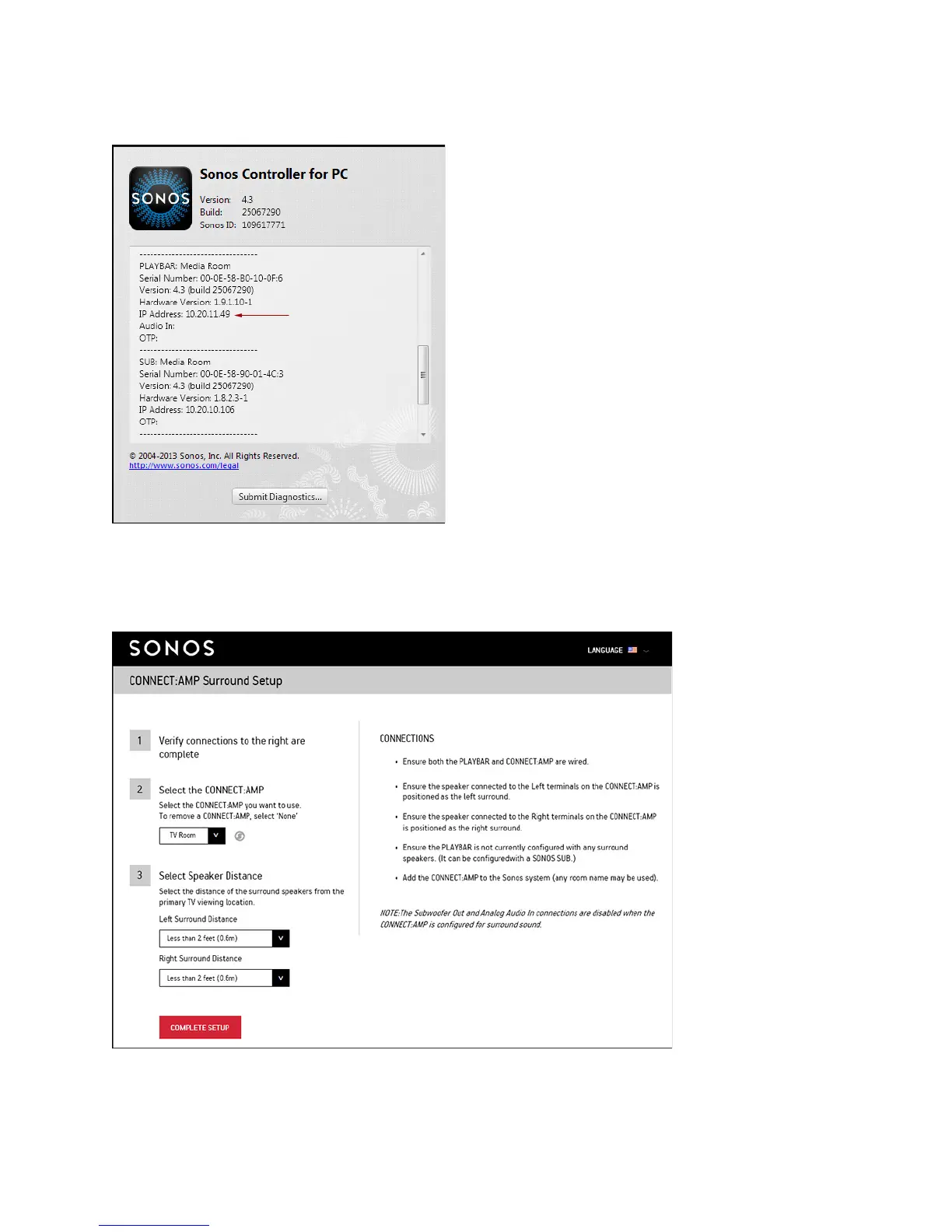
6. Locate the IP address for your PLAYBAR.
• Using the Sonos Controller for PC, select Help -> About My Sonos
System.
• Using the Sonos Controller for Mac, select Son
os -> About My
Sonos System.
• Using a handheld Sonos controller, select Settings -> About My
So
nos System.
7. Open a browser on your computer.
8. Type http://playbarIP:1400/wiredsat.htm (e.g. http://10.20.11.49:1400/wiredsat.htm) into the address bar and then
follow the prompts to complete the CONNECT:AMP surround setup.



 To Next Page
 Loading...