Voice services
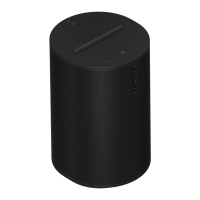
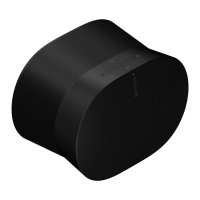
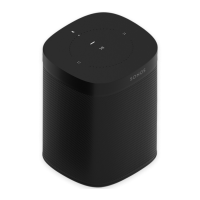
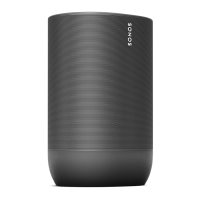
Use your voice to control your Sonos system with any voice-enabled Sonos product—play
and control content, turn the volume up or down, and more.
Note: Voice control isn’t supported in every country yet—this feature will be available as soon
as Sonos and a voice service launch together in your region.
Line-in
Connect an audio device, like a projector, CD player, or turntable (with a built-in phono
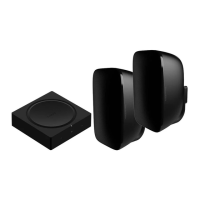
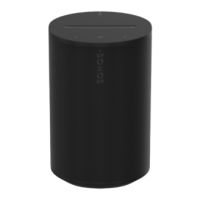
preamp), to any Sonos product that has a line-in port (Era 300, Era 100, Amp, Port, or Five).
Then go to > Line-In to select the source and start playback.
Note: Era 300 and Era 100 require a Sonos Line-In or Combo Adapter (sold separately).
Other products may require a different type of line-in adapter depending on your audio source.
Learn more
Sonos Voice Control: control your whole Sonos system with hands-free ease and
unmatched privacy. Sonos Voice Control comes ready to use—it only takes a few
seconds to add when you set up your speakers. More information
Amazon Alexa: you’ll need the Sonos app and the Alexa app with the Sonos skill
enabled. You’ll make some changes in both apps during setup. Learn more
Siri: you’ll need the Apple Home app. Add your AirPlay2-compatible Sonos speakers to
the Apple Home app and then use an iPhone, iPad, or Apple TV to ask Siri to play music
(currently limited to Apple Music). Learn more


 To Next Page
 Loading...