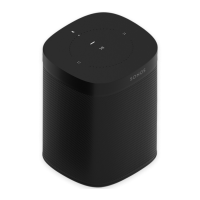
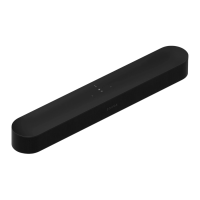
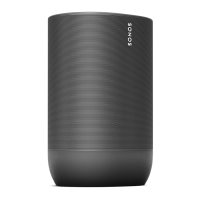
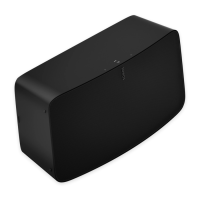
Microphone on/off
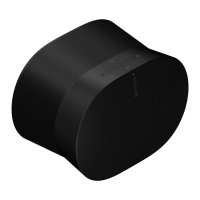
There are two ways to control the microphones on Era 300:
A universal microphone switch on the back turns all microphones on and off.
A voice services button on top turns voice services on and off without affecting the
microphones needed for Trueplay and other microphone-enabled features.
When both are on, voice control and all microphone-enabled features are available.
When both are off, voice control and all microphone-enabled features are unavailable.
When the universal microphone switch is on and the voice services light is off, Trueplay
and other microphone-enabled features are available but voice control is off.


 To Next Page