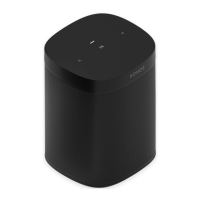
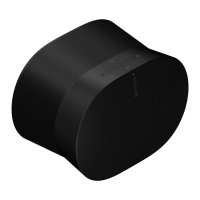
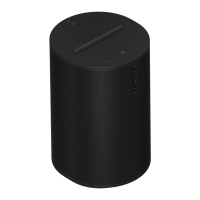
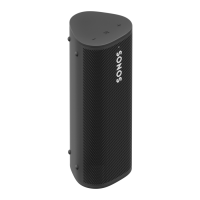
Microphone
Tap to turn the
microphone on or off:
Note: If you’ve installed a
voice service and the
microphone is off, you can
still use voice commands.
Just press and hold —
no need to start with a
wake word. When you
release the microphone
button, voice control turns
off again.
Status light
Displays the product's
connection to WiFi or
Bluetooth, indicates when
the volume is muted, and
signals errors. Learn more
When the microphone
light is on, voice
control and
microphone-dependent
features like auto
Trueplay are available.
When the light is off,
voice control and
microphone-dependent
features like auto
Trueplay are
unavailable.


 To Next Page