Feature Description
USB-C power adapter
Use the included he included USB-C to C
charging cable and a USB-C power
adapter (Sonos 10 W USB-C Power
Adapter sold separately).
Sonos Roam Wireless Charger
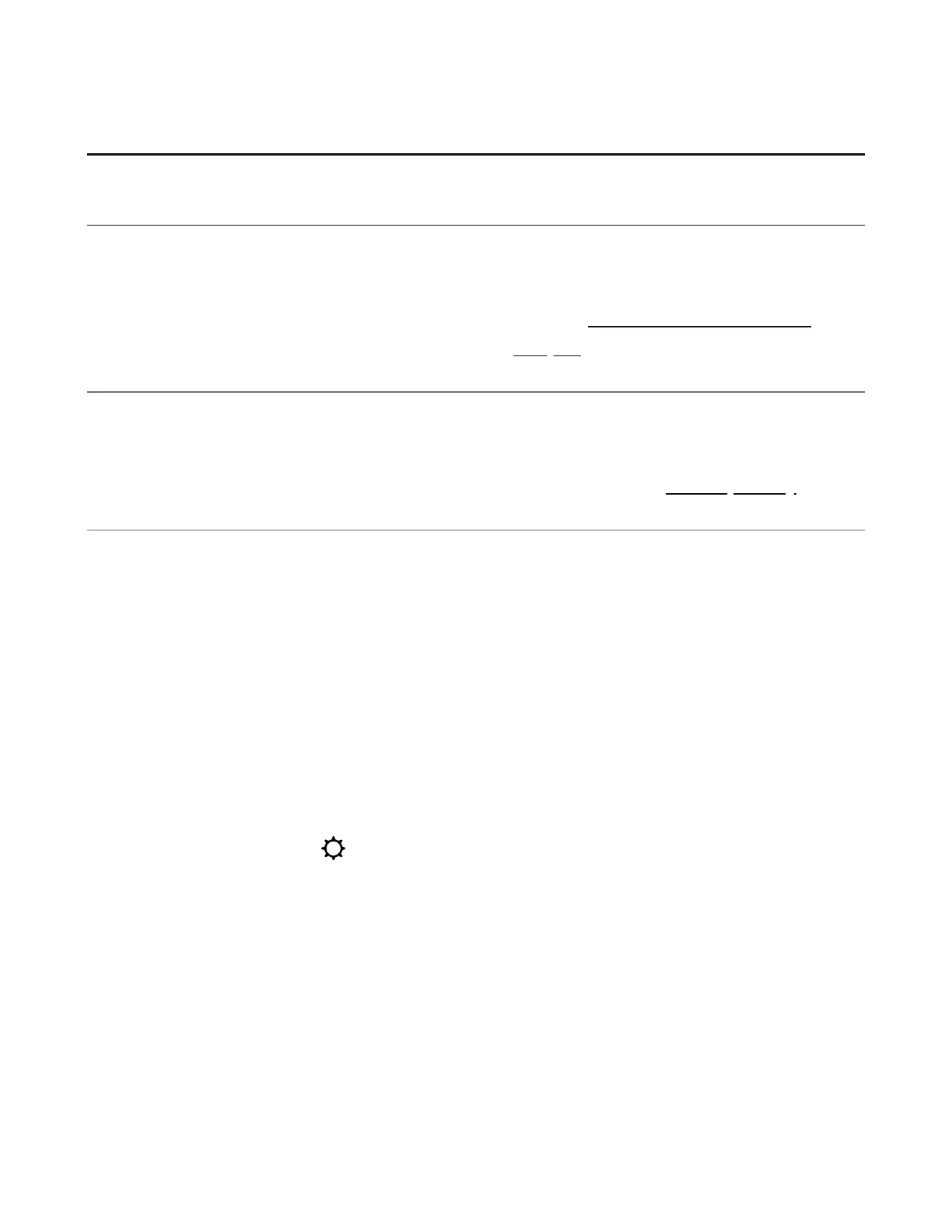
Place your Sonos Roam 2 on the Sonos
Roam Wireless Charger when you're
listening at home (sold separately).
Qi charger
Place Sonos Roam 2 on any compliant 10
W Qi-certified wireless charger.
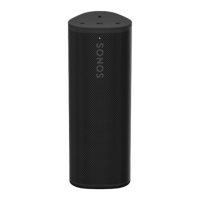
Battery Saver
You can enable Battery Saver in the Sonos app to best preserve battery life when your
Sonos Roam 2 is inactive. When enabled, your Sonos Roam 2 will power off automatically
after 10 minutes in sleep mode.
In the Sonos app,
1. Go to System Settings .
2. Select your Sonos Roam 2 from the list of prodcuts.
3. Navigate to Battery and toggle on or off Battery Saver.
Note: Sonos Roam 2 won't appear in the Sonos app until it’s powered back on.


 To Next Page