Room Name
If you move your speaker to a new room,
you can change its name in Settings.
Turn off WiFi
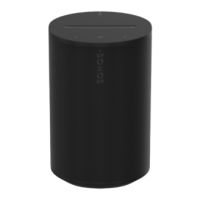
(not available for Sonos Era 100, Era 300, or
portable products)
You can turn off your speaker’s WiFi when
it’s connected to your network with an
Ethernet cable. This reduces power
consumption and can improve
connectivity for wired speakers.
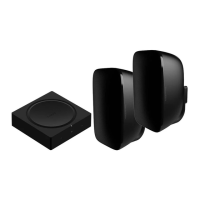
For products like Amp and Port, turning off
WiFi can reduce the internal temperature
when they’re placed in a rack or stacked.
Learn more
Note: WiFi is turned off for Era 100 and
Era 300 when you connect a Sonos
Combo Adapter using the Ethernet cable.
EQ
Sonos products ship with preset
equalization settings. You can change the
sound settings (bass, treble, or loudness)
to suit your personal preferences. Learn
more
Trueplay
Trueplay adapts the sound for your
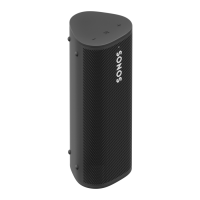
surroundings and content. Portable
products can tune themselves
automatically. Learn more


 To Next Page