26 27
Volume control
To adjust the volume of your environment:
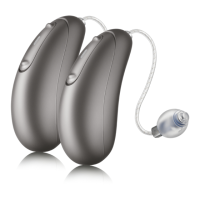
• Push the upper part of the hearing aid
button to increase the volume, and
• Push the lower part of the hearing aid
button to decrease the volume
As you change the volume, your hearing aids
will beep.
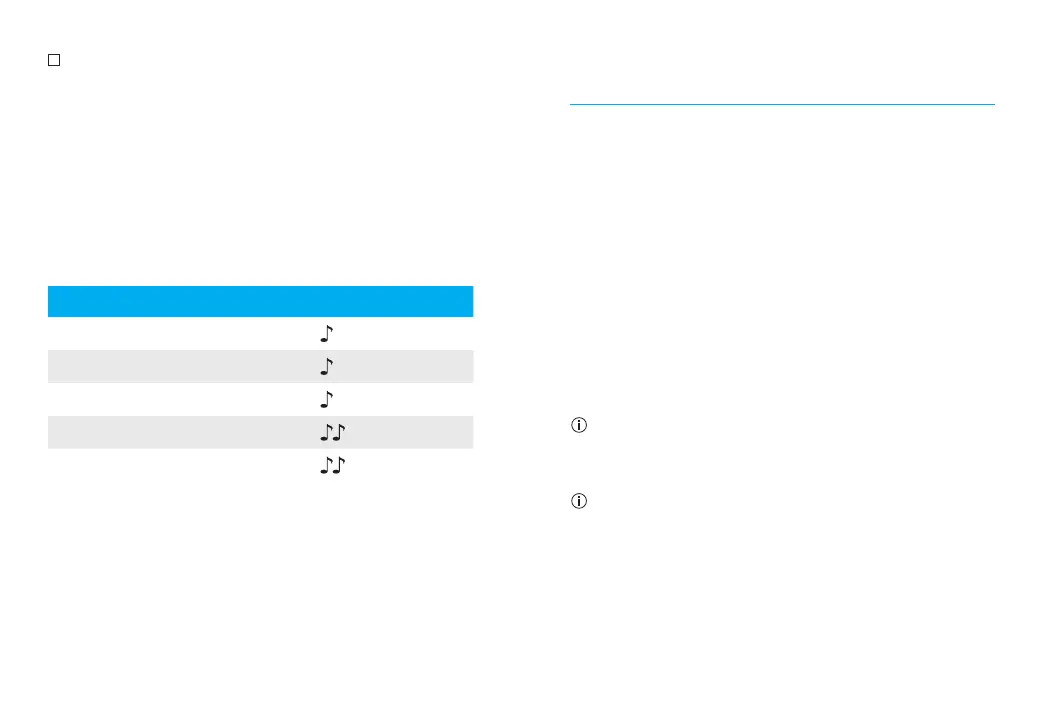
Volume setting Beeps
Suggested volume level 1 beep
Turning volume up short beep
Turning volume down short beep
Maximum volume level 2 beeps
Minimum volume level 2 beeps
Pairing your mobile phone with your
hearing aids
1. On your phone, go to your settings menu to
ensure Bluetooth
®
is on and to search for
Bluetooth enabled devices.
2. Turn your hearing aids on. Your hearing aids
will remain in pairing mode for 3 minutes.
3. Your phone will show a list of found
Bluetooth enabled devices. Select your
hearing aid from the list to simultaneously
pair both hearing aids. You will hear
a melody when your phone has been
successfully paired to your hearing aids.
It is only necessary to perform the pairing
procedure once with each Bluetooth enabled
phone.
Consult your phone user guide for instructions
on pairing a Bluetooth device with your phone.
Bluetooth
®
is a registered trademark owned by the Bluetooth SIG, Inc.
and used under license by Sonova.




 To Next Page