34 35
Tinnitus masker
If your hearing care professional has congured
a tinnitus masker program, you can adjust
the tinnitus masker level while you are in the
tinnitus masker program. To adjust the noise
level:
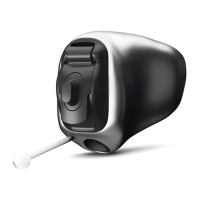
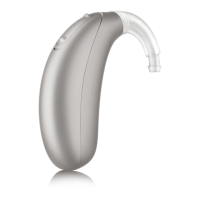
• Push the upper part of the hearing aid
button to increase the tinnitus masker, and
• Push the lower part of the hearing aid
button to decrease the tinnitus masker
Remote Plus app:
• Tap the arrow to move to the second screen
where you can adjust the tinnitus masker
volume up or down
As you change the level, your hearing aids will
beep.
Flight mode
Your hearing aids operate in the frequency range
of . GHz–.8 GHz. When flying, some airlines
require all devices to be switched into flight
mode. Entering flight mode will not disable
normal hearing aid functionality, only the
Bluetooth connectivity functions.
Entering flight mode
To disable the Bluetooth wireless function and
enter flight mode:
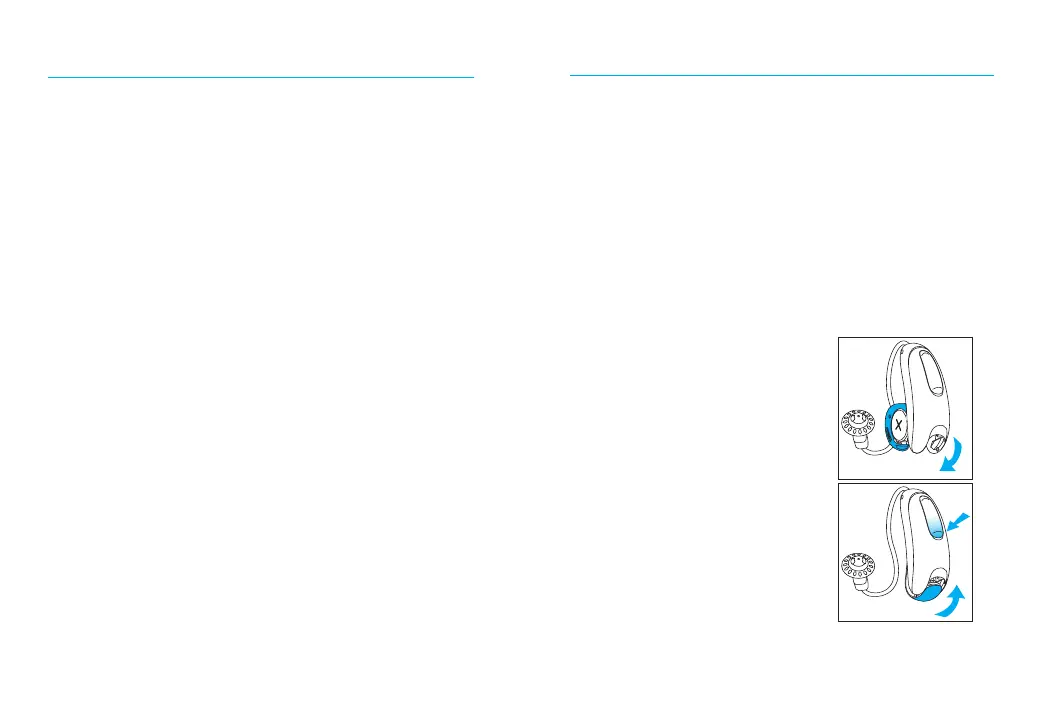
1. Open the battery door.
2. With the hearing aid
turned o, hold down
the lower push button
on the hearing aid while
closing the battery door,
and keep the button
pushed down for
seconds.
1.




 To Next Page